


Great product easy installation and modification.
Trading Precision
Built for scalpers who need quick access to the actions they use most.
See how it works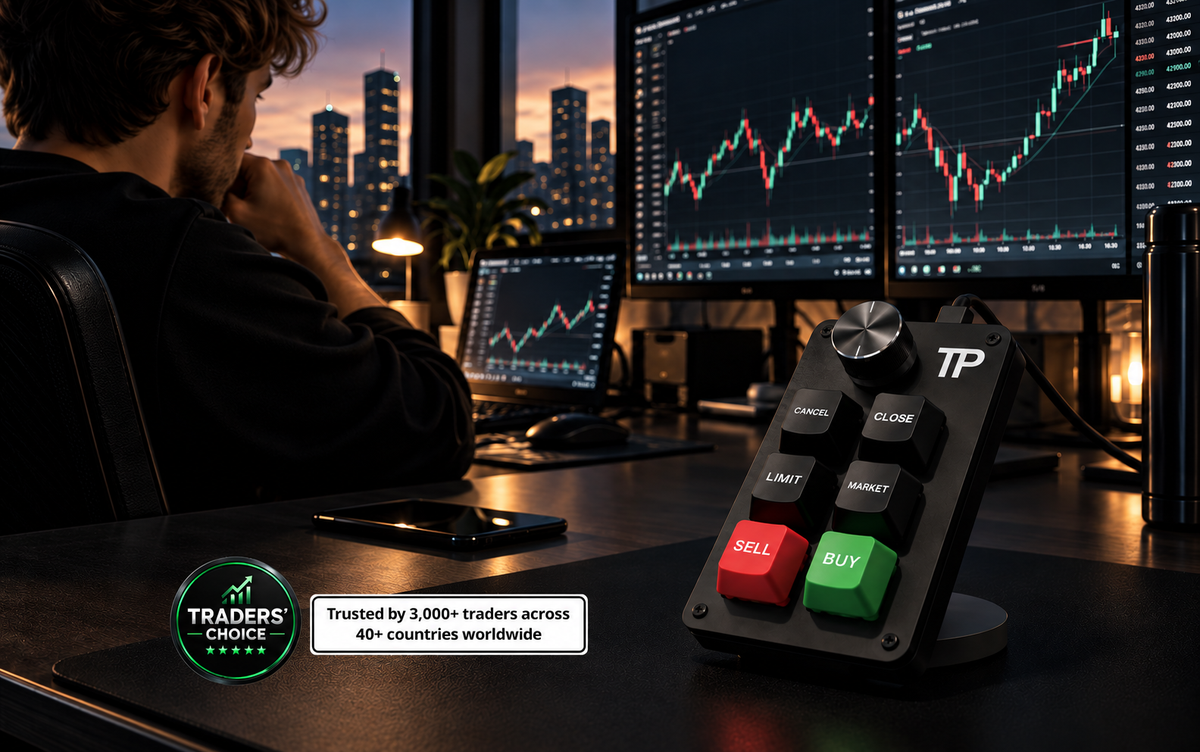

Think about what actually happens when you want out.
You decide to close the trade, then you move your cursor across the screen and start looking for the exit button. You find it, line up the cursor, click, and sometimes have to confirm the order before you're actually out.
That's a lot of steps for a decision you've already made.
Your mouse works fine. It's just not the fastest way to execute a trade.
You knew what to do. The trip to the button slowed you down.
Most traders use their mouse, hotkeys, or a mix of both to enter and exit trades.
But when you're scalping, you're making the same moves over and over again.
So why not make those moves quicker?
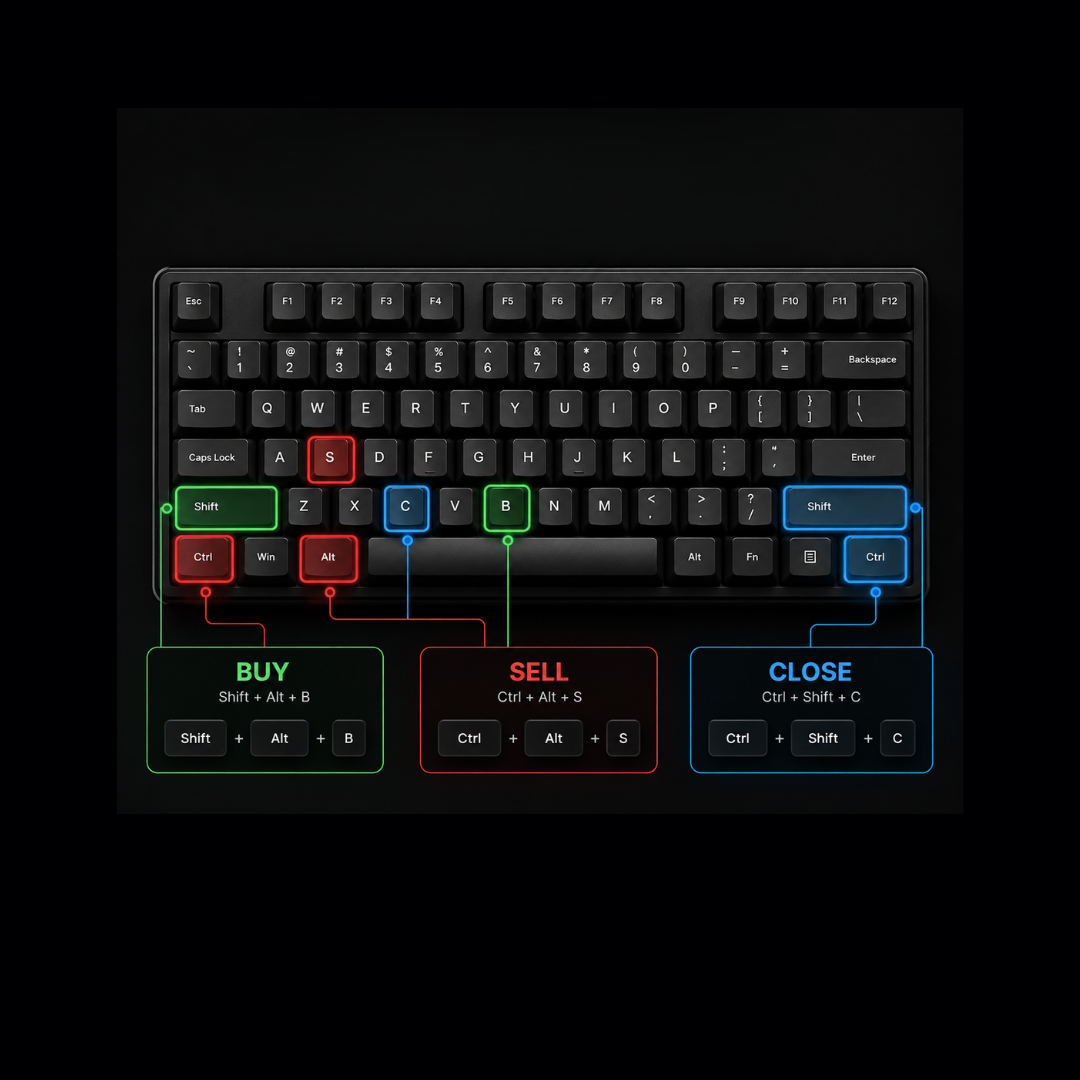
With a regular keyboard, hotkeys can mean pressing two or three keys at the same time. You also have to remember which combination does what, and make sure you press the right keys.
When you're scalping, having to think about the hotkey can slow down your execution.

See how the keyboard feels in action.
The market moves and your hand is already there.
There is a learning curve. At first, you'll look down at the keys. That's normal. After a while, you won't need to.
Plug it in.
Your setup instructions are included, so you can get started right away.
Using MT5?
Drag and drop the Control Panel into MT5, and you're ready to go. You also get access to extra trading functions.
Using another platform?
Open the hotkey settings on your platform and choose the hotkeys you want to use.
Then use the Key Customization Tool to assign each hotkey to the key you want.
Compatibility
Not every platform supports this, so check yours before you order.
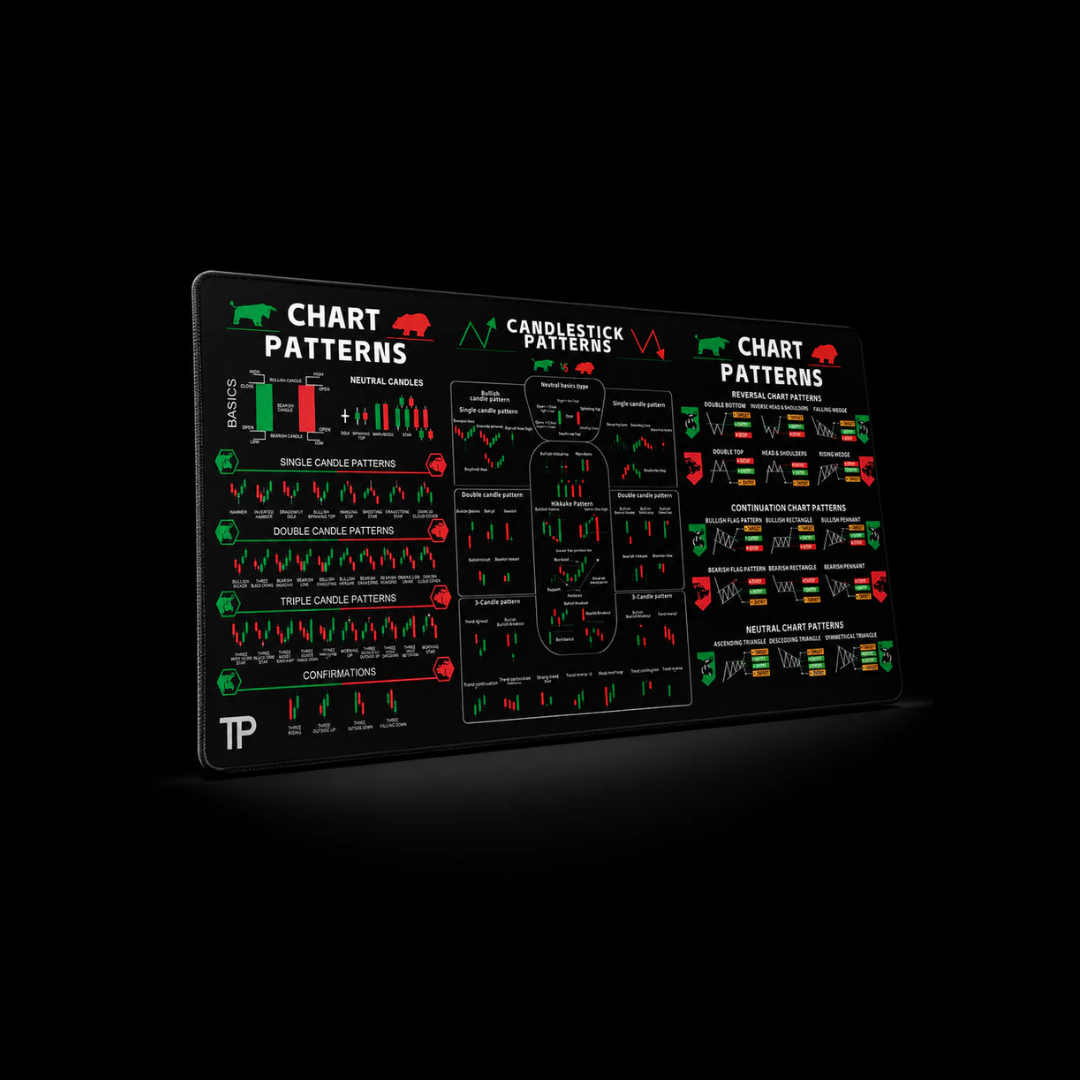
There’s still the part where you spot the setup.
Keeping the most common chart patterns right in front of you gives you a quick reference while you trade.
Over time, they become easier to recognize when they show up on your chart.
After you order
You'll get the instructions you need to set everything up. And if you have a question along the way, we're here to help.
If something isn't working, we'll stick with you until it is.
You'll also be part of a community of traders who use the keyboard, share ideas and help each other out.
Couldn't load pickup availability
"Amazing product i shared it with my trading community and they really appreciate it. It opens and closes trades with precision and locks in great profit right away."
— Kwame S.
"Excellent keyboard, I highly recommend it for more precise executions."
— Frank L.
"Makes getting in and out of trades quick!"
— Alex M.
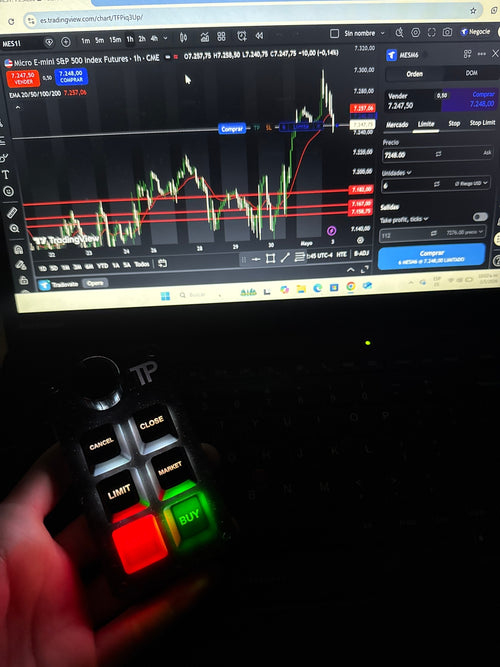
"It has made trading much easier for me, as I can now enter my trades on time and close them with the same precision. It has definitely improved my execution and overall confidence while trading"
— Marques G.
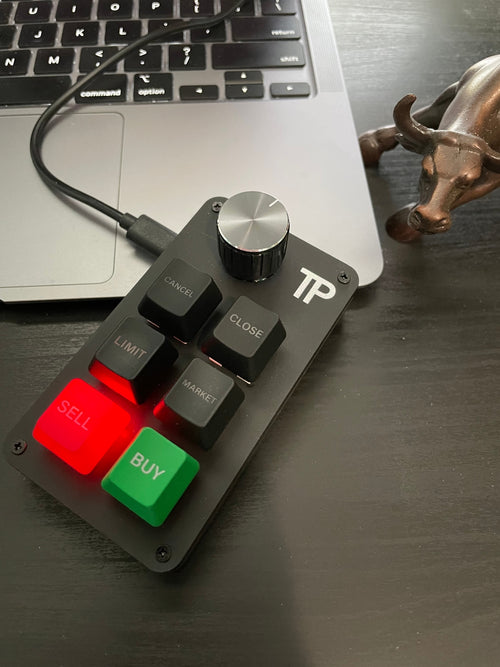
"I have to say, very excellent product for trading. I have used it for a couple of weeks with TradingView. Fast entries and exits. Exceptional product."
— Dustin D.
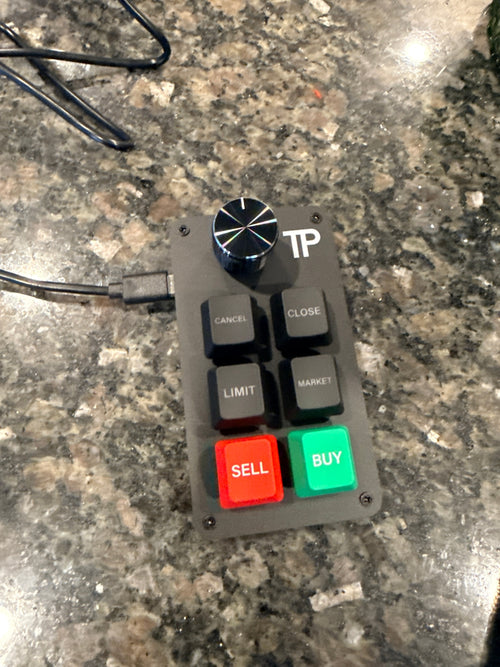
"This device add precise open and closing of trades without any delay."
— Gairy G.
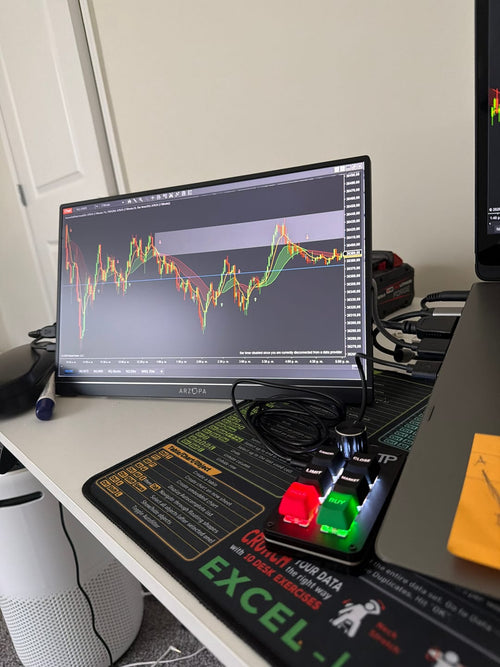
"Excelente"
— Rafael A.
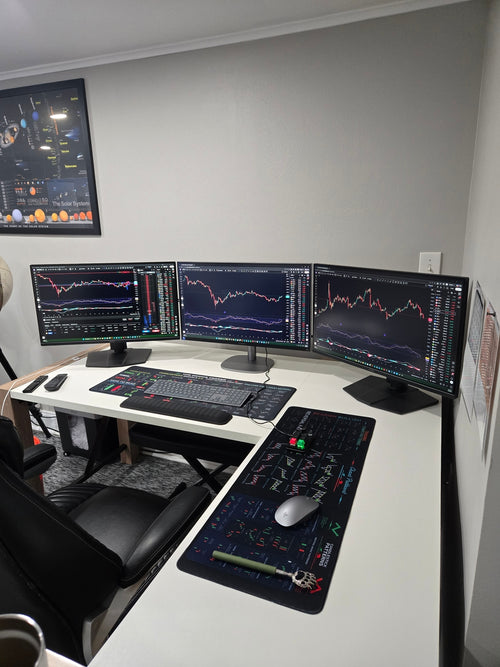
"This thing is proving to be essential. When you need instant execution on your trade this is what i would recommend."
— Ryan C.
MetaTrader 5 (MT5)
Works on Windows and macOS.
A control panel with additional features is included with every purchase.
Other platforms
Using the Key Customization Tool, you can enable the keyboard to work on any platform that supports hotkeys, such as:
NinjaTrader
Webull
Tradovate
Interactive Brokers
. . .
Works on Windows and macOS.
Fully customize key functions and adapt the keyboard to your trading workflow.
Works on PC and laptop.
Trading Keyboard
Custom keyboard with 6 dedicated keys and a rotary knob for chart zoom.
USB Cable
High-quality USB-A to USB-C cable.
Setup Guide
Simple step-by-step instructions for quick installation.
★ MT5 Control Panel
Custom built trading panel with additional features such as SL, TP, risk management, limit orders, and partial close.
★ Key Customization Tool
Software that allows you to customize key functions and use the keyboard on platforms that support hotkeys.
★ Private Telegram Group
Access to our Telegram group for support and product updates.
United States
All U.S. orders are shipped directly from our warehouse in Texas, USA.
Priority Shipping: 3-5 business days
Standard Shipping: 5-10 business days
International Orders
Priority Shipping: 8-12 business days
Standard Shipping: 12–15 business days
Delivery times are estimates and may vary depending on location.


From setup to trading in four simple steps.
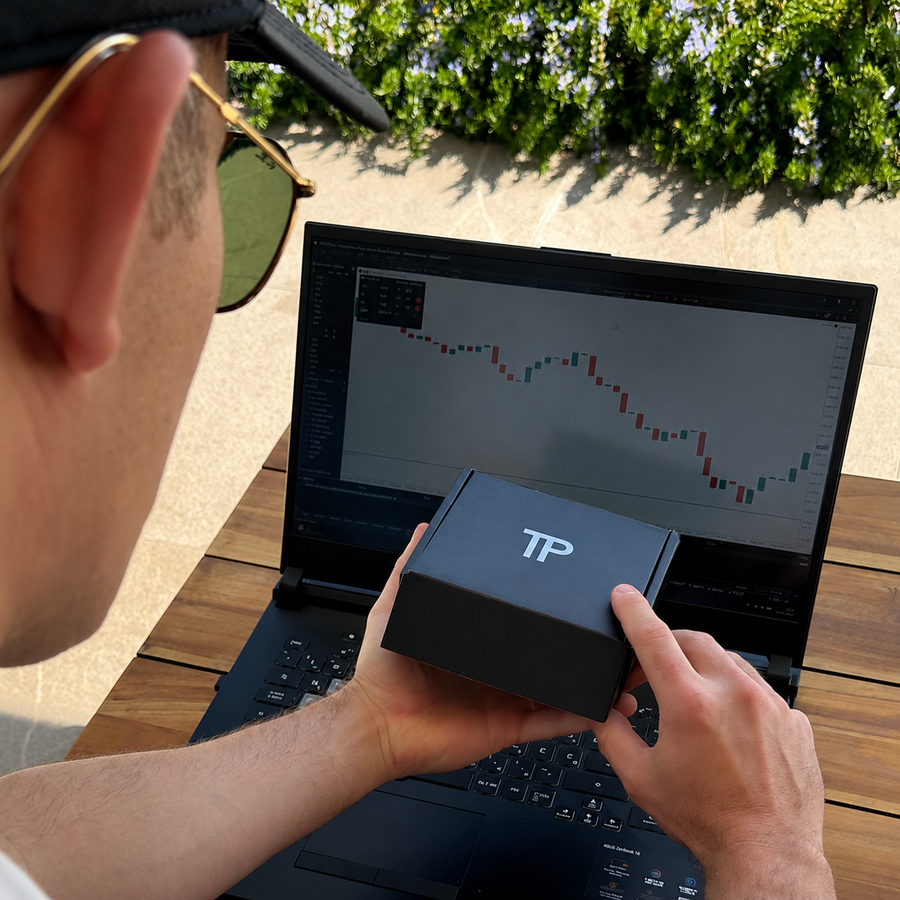
Your setup guide and all required files are sent by email.
Once your keyboard arrives, plug it in and follow the guide.
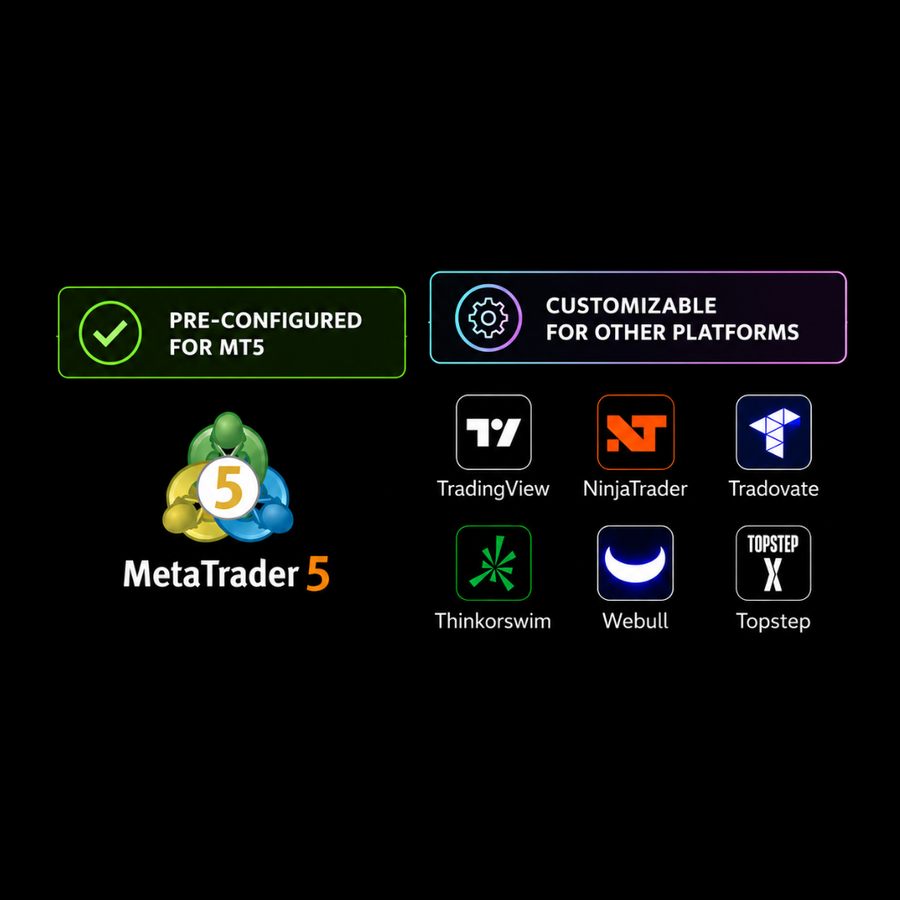
Trading on MT5? Install the Control Panel and connect your keyboard. ✅
Using another platform? Set your keyboard keys to match the hotkeys you already use on your platform. →
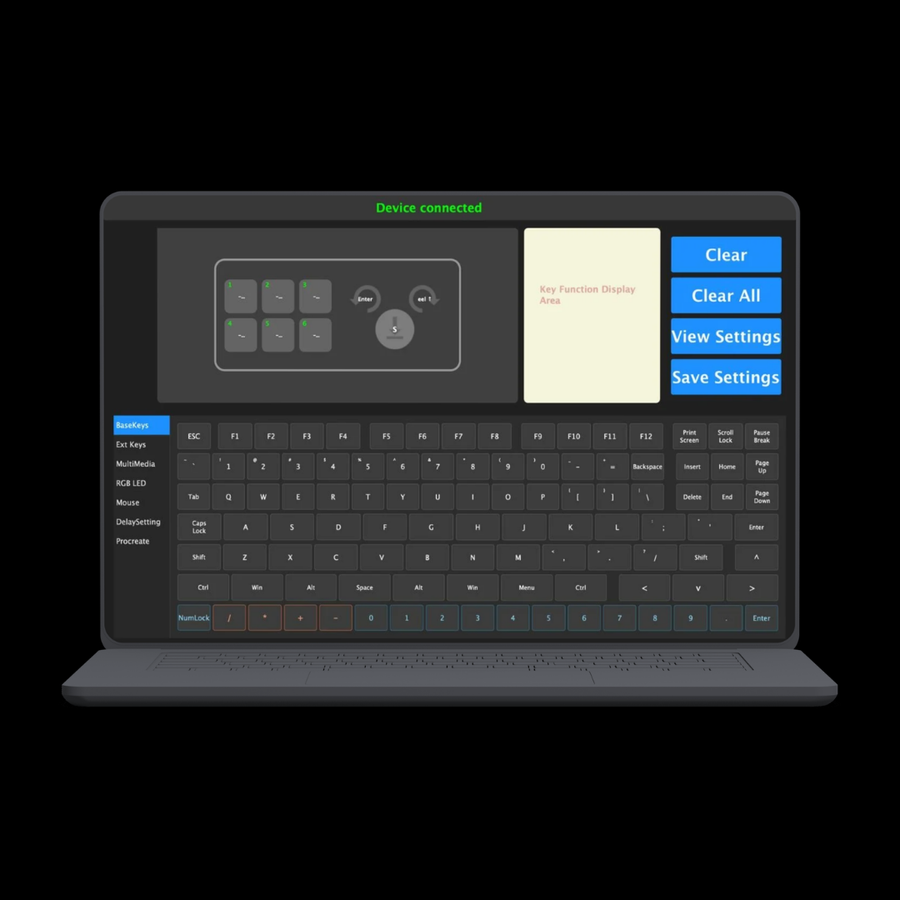
Hotkeys are keyboard shortcuts for your trading actions.
Customize your keys to quickly access actions like Buy, Sell, Close and Cancel.
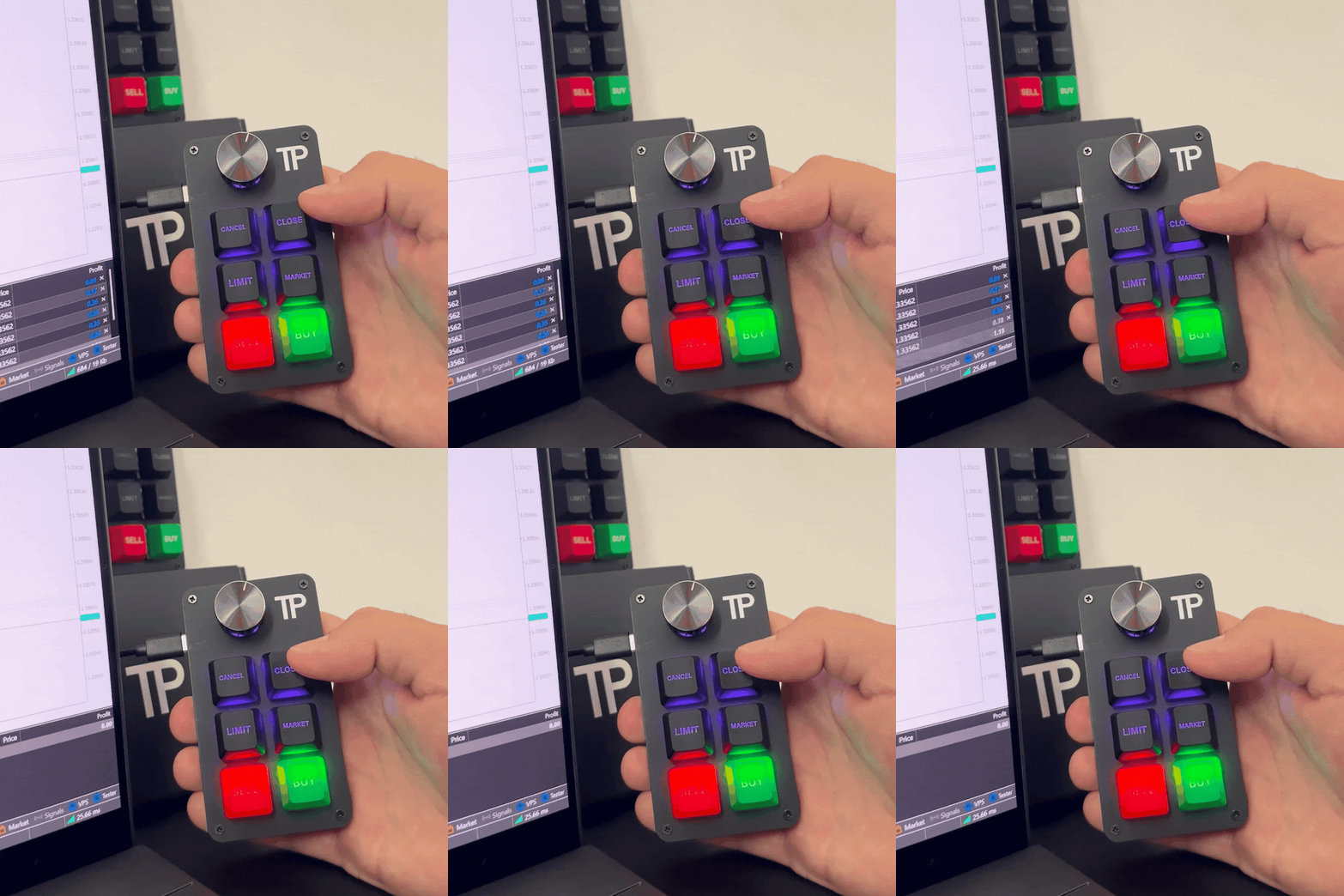
Your most used trading actions are now right at your fingertips, so you can spend less time searching for buttons and more time focused on your charts.
Everything below is included with every keyboard purchase.

Manage risk, stop loss, take profit and execute trades faster with our custom-built MetaTrader 5 control panel.

Program every key to match your preferred hotkeys.

Customize the keyboard lighting with multiple RGB effects.

Lifetime access to product updates, setup guides, new features and direct support from our team.

Designed from real trading experience, not assumptions.

Regular software updates and new features to keep you ahead.


Team that understands trading and stays with you every step of the way.

We listen to trader feedback and build together to create better tools.
Overall rating: 4.7 / 5 from 52 reviews.
Great product easy installation and modification.
It’s made my trading quicker on closing trades. Still haven’t configured buttons but sell and buy work great.
Thank you.
The keyboard works well. TP Trading were a pleasure to deal with.
Instant open & close trades. Love it
Nice
Awesome product thank tou
I like it
I love it
Waaaaaay better than whipping a mouse cursor around or accidentally pushing your touch screen while hovering the buy/sell buttons. Buy / Sell light up in beautiful green and red. My only complaint is the two useless top buttons but at no fault to TPT, it’s due to Trading View limitations. Well done guys!
At first I was skeptical, once I played with it I was hooked. It’s fast, you hit buy and you’re in. Hit sell, you’re out. No lag!!! It’s worth what I paid!!!
Love it!!! Makes trading so much faster.
nice
I love it ! Thanks guys !

Makes getting in and out of trades quick!
Great Product
It works perfectly with no delay. Actually you need to be careful not to double positions, but once you learn the sensitivity it works very reliably.
Works like advertised!
Super
Very convenient. Easy to use

Excelente
trader AURA+999999999999999💀💀💀💀💀💀💀💀💀
Good
Great product and support.
Just incredible. Makes trading super easy to get in and out smoothly. I definitely recommend it. I will definitely buy it again.

This thing is proving to be essential. When you need instant execution on your trade this is what i would recommend.

It has made trading much easier for me, as I can now enter my trades on time and close them with the same precision. It has definitely improved my execution and overall confidence while trading.
Easy and quick execution
GREAT BUT NEEDS A REVERSE BUTTON!

Excelente el teclado lo recomiendo para ejecuciones más precisas

I have to say, very excellent product for trading. I have used it for a couple of weeks with TradingView. Fast entries and exits. Be careful, it’ll add contracts quick! Exceptional product.
Little keyboard is solid executions are really quick on tradingview. They’re coming out with the update so you can program hot keys on tradovate.
Love it.

This device add precise open and closing of trades without any delay.
This tool is amazing! My mentor Kwame S turned me on to it and it has handled entries and exits in real time without lagging allowing me to retain all of my profits in spite of the brokers and the trading platform. Thank you for creating it!

Amazing product i shared it with my trading community and they really appreciate it. It opens and closes trades with precision and locks in great profit right away.
Does what I need it to do, fast executions
Easy to setup ,and use
Come da descrizione
A beautifully designed device that elevates the trading experience. It feels premium in hand and delivers exactly what you’d expect from a high-quality trading tool. I’m extremely satisfied every trader can benefit from having a dedicated trading panel, as it brings a new level of professionalism and efficiency to the workflow. A well-deserved 5-star rating. Highly recommended don’t hesitate, this is a must-have.🙌