


Great product easy installation and modification.
Couldn't load pickup availability
"Amazing product i shared it with my trading community and they really appreciate it. It opens and closes trades with precision and locks in great profit right away."
— Kwame S.
"Excellent keyboard, I highly recommend it for more precise executions."
— Frank L.
"Makes getting in and out of trades quick!"
— Alex M.
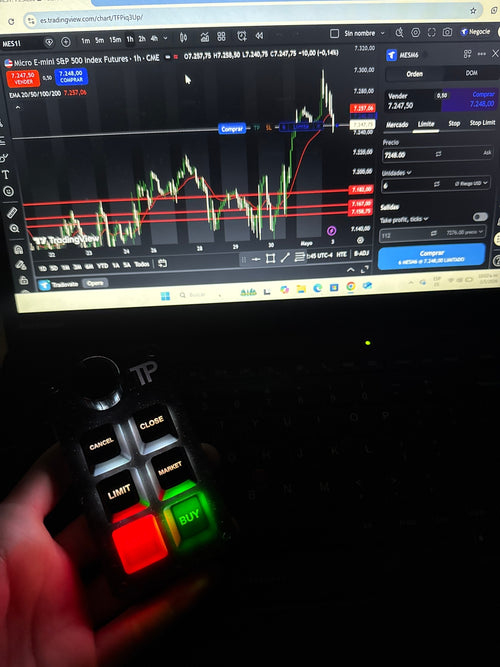
"It has made trading much easier for me, as I can now enter my trades on time and close them with the same precision. It has definitely improved my execution and overall confidence while trading"
— Marques G.
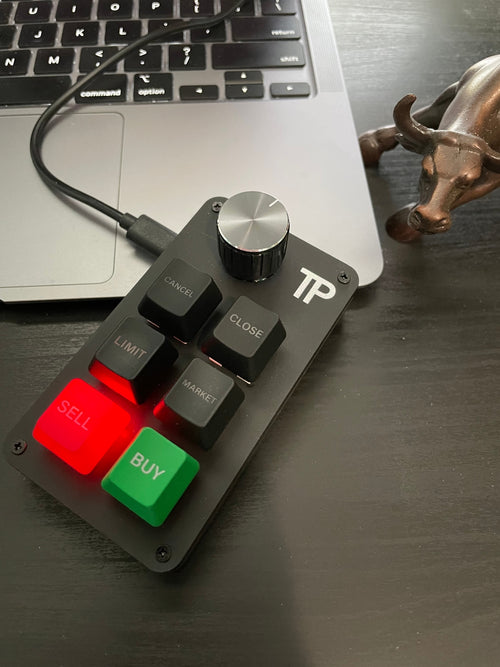
"I have to say, very excellent product for trading. I have used it for a couple of weeks with TradingView. Fast entries and exits. Exceptional product."
— Dustin D.
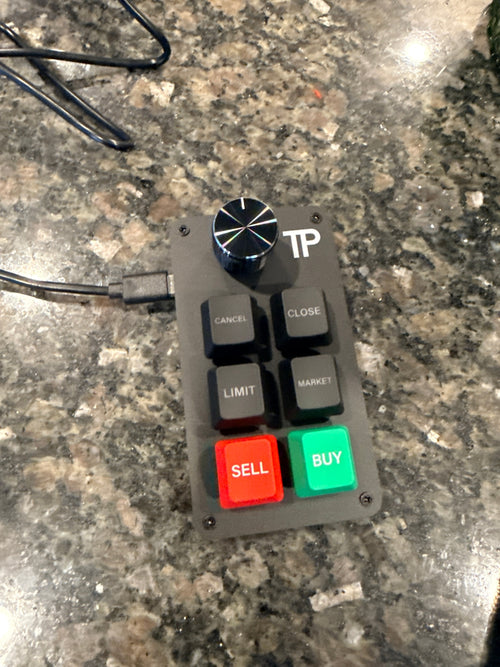
"This device add precise open and closing of trades without any delay."
— Gairy G.
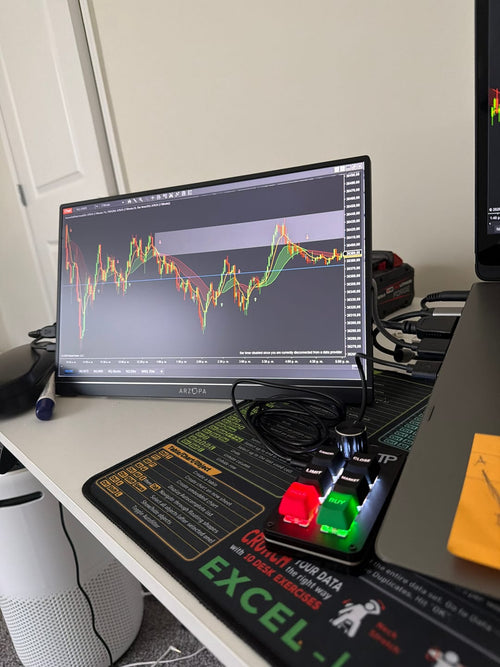
"Excelente"
— Rafael A.
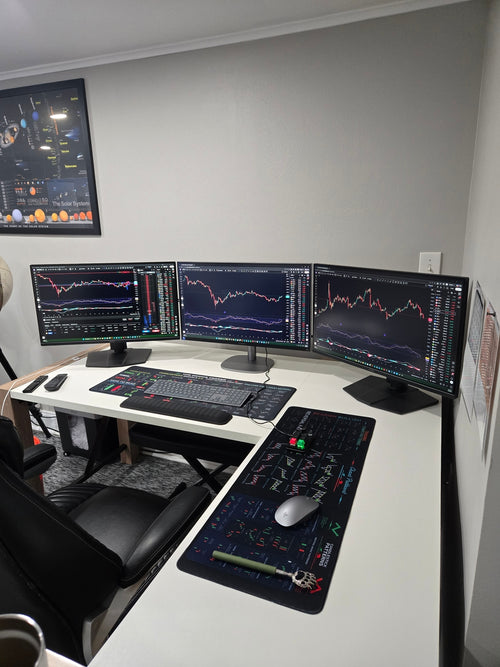
"This thing is proving to be essential. When you need instant execution on your trade this is what i would recommend."
— Ryan C.
MetaTrader 5 (MT5)
Works on Windows and macOS.
A control panel with additional features is included with every purchase.
Other platforms
Using the Key Customization Tool, you can enable the keyboard to work on any platform that supports hotkeys, such as:
NinjaTrader
Webull
Tradovate
Interactive Brokers
. . .
Works on Windows and macOS.
Fully customize key functions and adapt the keyboard to your trading workflow.
Works on PC and laptop.
Trading Keyboard
Custom keyboard with 6 dedicated keys and a rotary knob for chart zoom.
USB Cable
High-quality USB-A to USB-C cable.
Setup Guide
Simple step-by-step instructions for quick installation.
★ MT5 Control Panel
Custom built trading panel with additional features such as SL, TP, risk management, limit orders, and partial close.
★ Key Customization Tool
Software that allows you to customize key functions and use the keyboard on platforms that support hotkeys.
★ Private Telegram Group
Access to our Telegram group for support and product updates.
United States
All U.S. orders are shipped directly from our warehouse in Texas, USA.
Priority Shipping: 3-5 business days
Standard Shipping: 5-10 business days
International Orders
Priority Shipping: 8-12 business days
Standard Shipping: 12–15 business days
Delivery times are estimates and may vary depending on location.


From setup to trading in four simple steps.
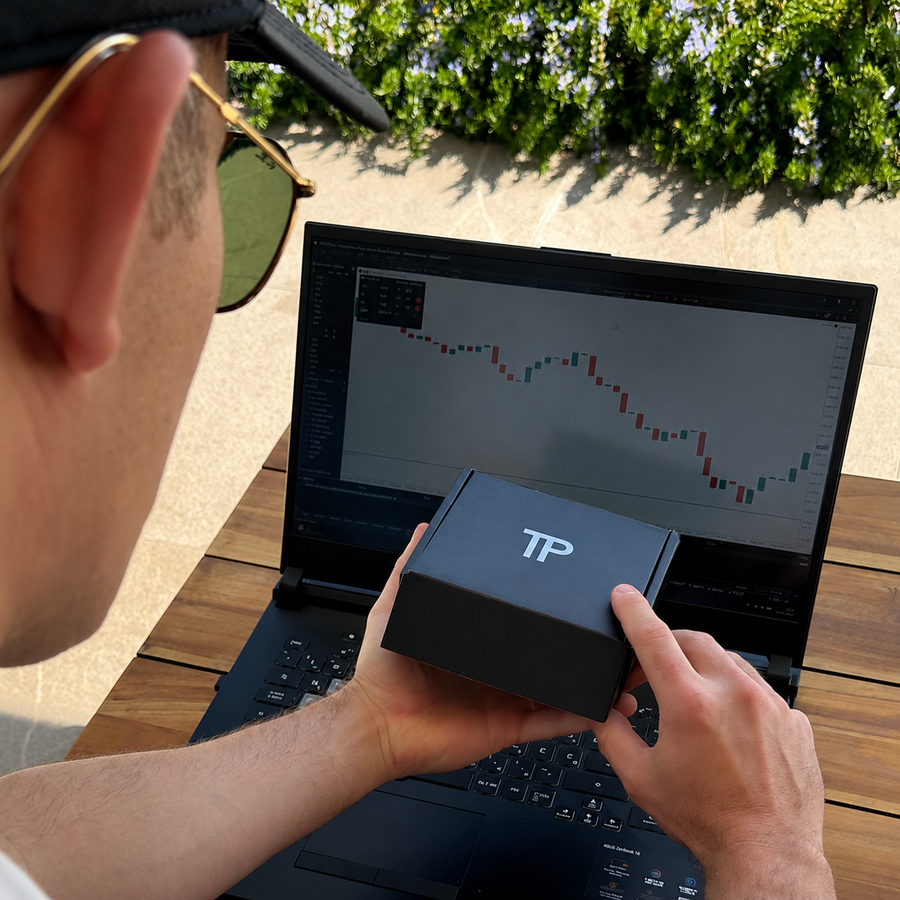
Your setup guide and all required files are sent by email.
Once your keyboard arrives, plug it in and follow the guide.
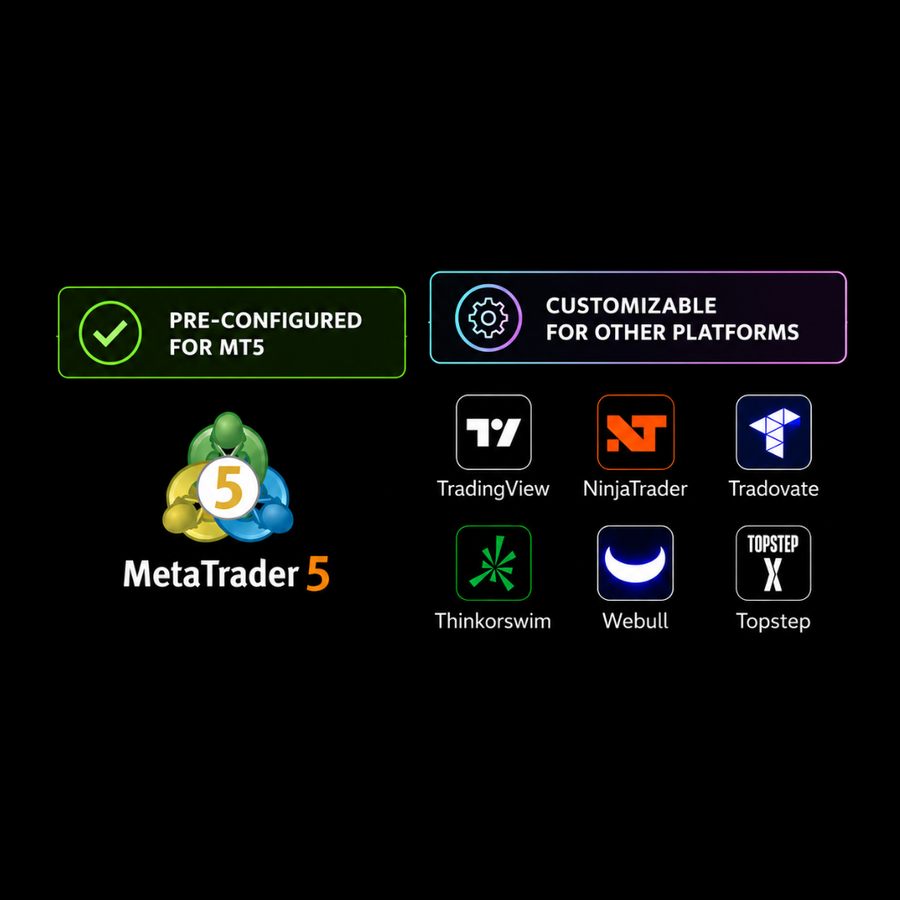
Trading on MT5? Install the Control Panel and connect your keyboard. ✅
Using another platform? Set your keyboard keys to match the hotkeys you already use on your platform. →
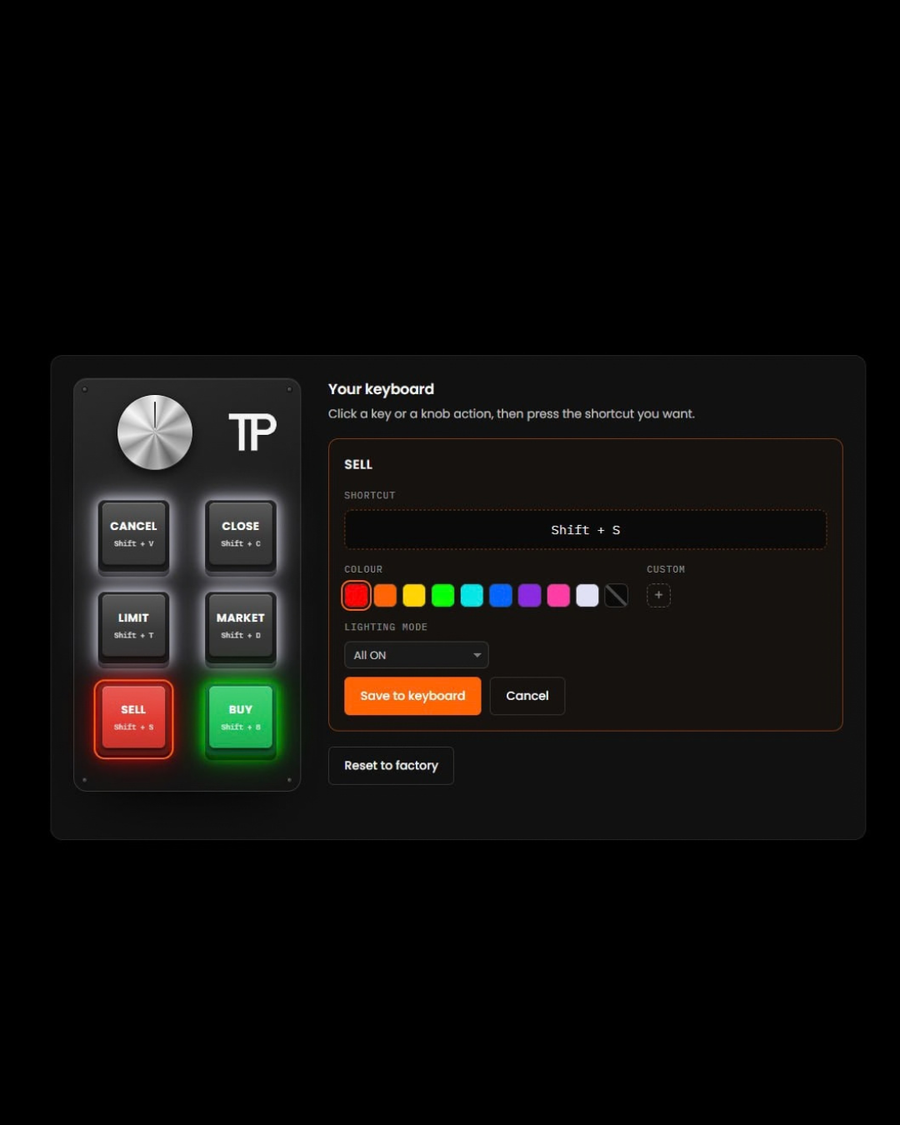
Hotkeys are keyboard shortcuts for your trading actions.
Customize your keys to quickly access actions like Buy, Sell, Close and Cancel.
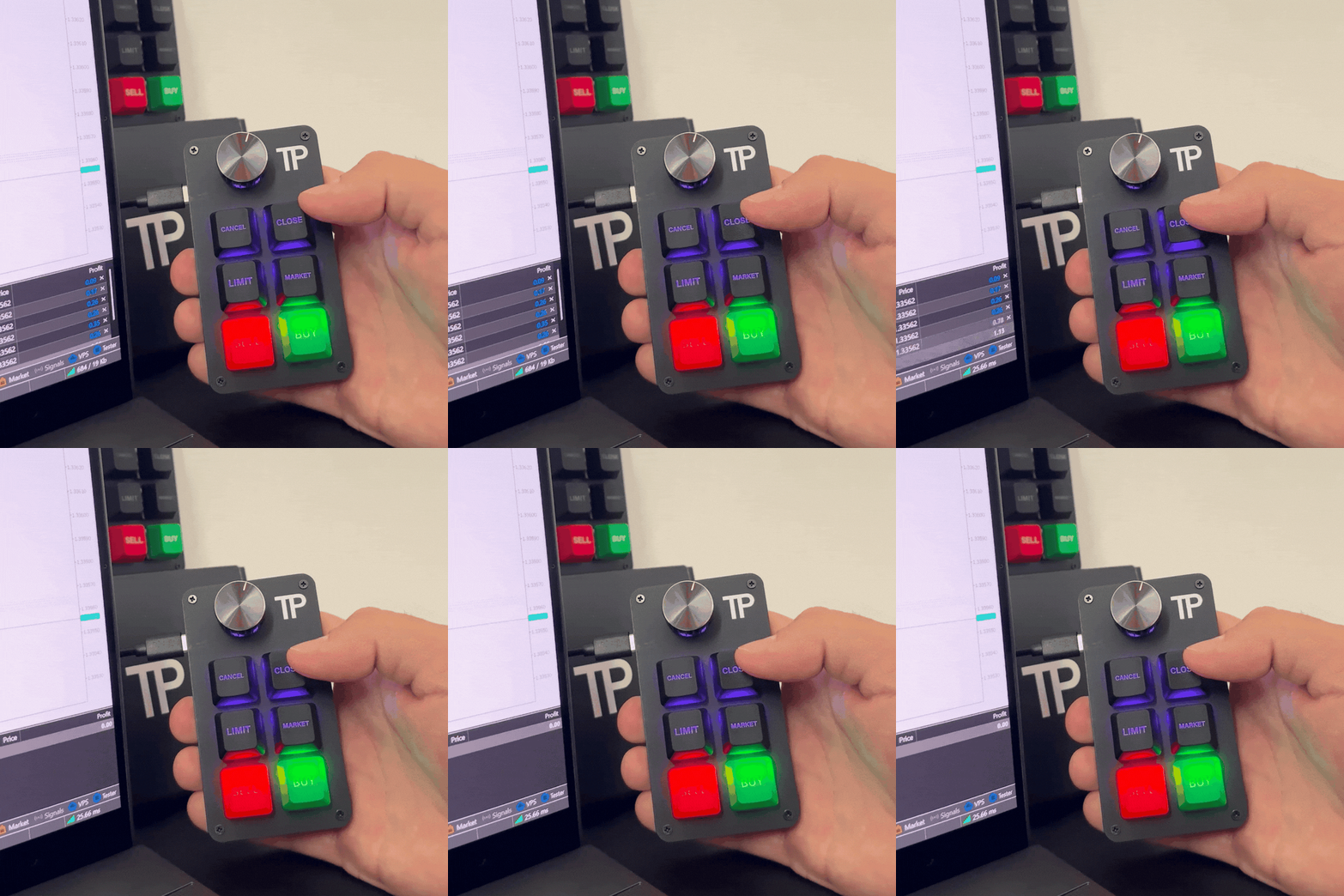
Your most used trading actions are now right at your fingertips, so you can spend less time searching for buttons and more time focused on your charts.
Everything below is included with every keyboard purchase.

Manage risk, stop loss, take profit and execute trades faster with our custom-built MetaTrader 5 control panel.

Program every key to match your preferred hotkeys.

Lifetime access to product updates, setup guides, new features and direct support from our team.

Designed from real trading experience, not assumptions.

Regular software updates and new features to keep you ahead.


Team that understands trading and stays with you every step of the way.

We listen to trader feedback and build together to create better tools.

No unnecessary buttons or distractions.
Everything is within easy reach.
Stay in the zone while trading.
Spend less time clicking and more time trading.
Enter, close, or cancel trades instantly.
No searching through menus or buttons.
React quickly when timing matters most.
Manage trades with fewer clicks and less effort.

Overall rating: 4.7 / 5 from 52 reviews.
Great product easy installation and modification.
It’s made my trading quicker on closing trades. Still haven’t configured buttons but sell and buy work great.
Thank you.
The keyboard works well. TP Trading were a pleasure to deal with.
Instant open & close trades. Love it
Nice
Awesome product thank tou
I like it
I love it
Waaaaaay better than whipping a mouse cursor around or accidentally pushing your touch screen while hovering the buy/sell buttons. Buy / Sell light up in beautiful green and red. My only complaint is the two useless top buttons but at no fault to TPT, it’s due to Trading View limitations. Well done guys!
At first I was skeptical, once I played with it I was hooked. It’s fast, you hit buy and you’re in. Hit sell, you’re out. No lag!!! It’s worth what I paid!!!
Love it!!! Makes trading so much faster.
nice
I love it ! Thanks guys !

Makes getting in and out of trades quick!
Great Product
It works perfectly with no delay. Actually you need to be careful not to double positions, but once you learn the sensitivity it works very reliably.
Works like advertised!
Super
Very convenient. Easy to use

Excelente
trader AURA+999999999999999💀💀💀💀💀💀💀💀💀
Good
Great product and support.
Just incredible. Makes trading super easy to get in and out smoothly. I definitely recommend it. I will definitely buy it again.

This thing is proving to be essential. When you need instant execution on your trade this is what i would recommend.

It has made trading much easier for me, as I can now enter my trades on time and close them with the same precision. It has definitely improved my execution and overall confidence while trading.
Easy and quick execution
GREAT BUT NEEDS A REVERSE BUTTON!

Excelente el teclado lo recomiendo para ejecuciones más precisas

I have to say, very excellent product for trading. I have used it for a couple of weeks with TradingView. Fast entries and exits. Be careful, it’ll add contracts quick! Exceptional product.
Little keyboard is solid executions are really quick on tradingview. They’re coming out with the update so you can program hot keys on tradovate.
Love it.

This device add precise open and closing of trades without any delay.
This tool is amazing! My mentor Kwame S turned me on to it and it has handled entries and exits in real time without lagging allowing me to retain all of my profits in spite of the brokers and the trading platform. Thank you for creating it!

Amazing product i shared it with my trading community and they really appreciate it. It opens and closes trades with precision and locks in great profit right away.
Does what I need it to do, fast executions
Easy to setup ,and use
Come da descrizione
A beautifully designed device that elevates the trading experience. It feels premium in hand and delivers exactly what you’d expect from a high-quality trading tool. I’m extremely satisfied every trader can benefit from having a dedicated trading panel, as it brings a new level of professionalism and efficiency to the workflow. A well-deserved 5-star rating. Highly recommended don’t hesitate, this is a must-have.🙌