


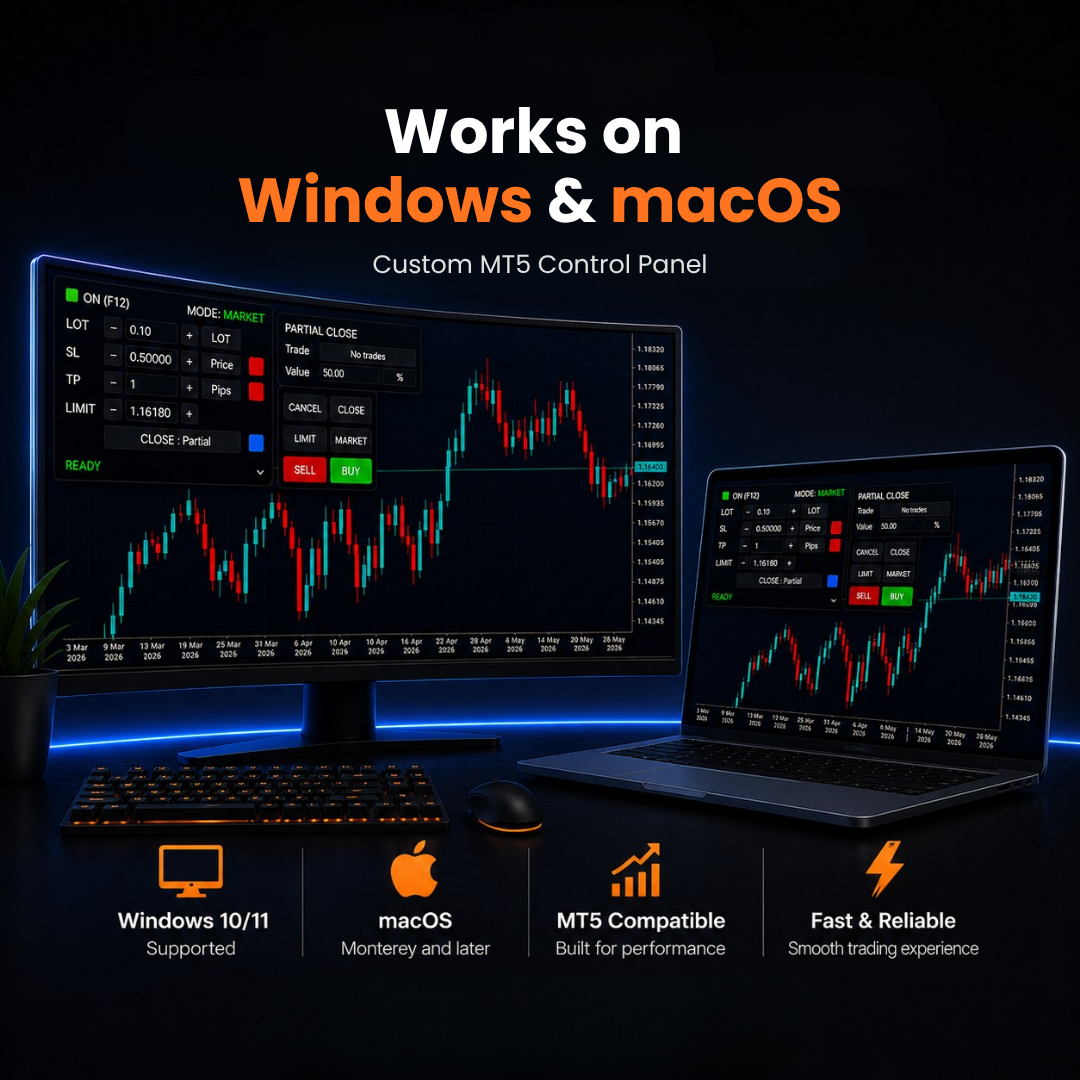
Manage every trade in one click
Works with your mouse. Even faster with the Trading Precision keyboard.
Order Size
Trade in lots, % of your balance or a fixed amount. Choose how much to risk and the panel calculates the lot size for you.
Stop Loss & Take Profit
Set them in price, pips, points or %. To change them, just drag the line on your chart.
Partial Take Profit
One click adds a second target halfway to your TP. Close 25, 50 or 75% of the trade there.
Break Even
One click moves your Stop Loss to your entry, plus a little extra for fees. If price turns, you lose nothing.
Close or Cancel
Close open trades or cancel orders that have not filled yet. Choose all, the first, the last, or close just part of a trade.
Limit Mode
Click LIMIT and a line appears on your chart. Move it to your price and press Buy or Sell. The panel picks Limit or Stop for you.
Virtual Keyboard
Open the keyboard on your screen and click every command with your mouse. Add the real keyboard later to trade with one press.
Move your SL and TP right on the chart
Turn on Stop Loss and Take Profit and both lines show up on your chart. Drag a line to move it. No typing in prices.
- See your profit or loss on each line as you move it
- Fine-tune with the knob on the keyboard
Take some profit early, let the rest run
Click +PARTIAL on your TP line. A second target appears halfway, set to close 50% of the trade. You lock in some profit and keep the rest open.
- Click the % to switch between 25, 50 and 75%
- Scroll on the % to set any amount in 1% steps
- Drag the second target to any price you want