

Level II — Execution
Level II — Execution
- One-touch BUY, SELL & CLOSE
- No aiming, no misclicks
- Eyes stay on the chart
Couldn't load pickup availability
Full Refund. If you don’t experience smoother, easier trade execution, we’ll give you every penny back.
Traders Love It
"Amazing product i shared it with my trading community and they really appreciate it. It opens and closes trades with precision and locks in great profit right away."
— Kwame S.
"Excellent keyboard, I highly recommend it for more precise executions."
— Frank L.
"Makes getting in and out of trades quick!"
— Alex M.
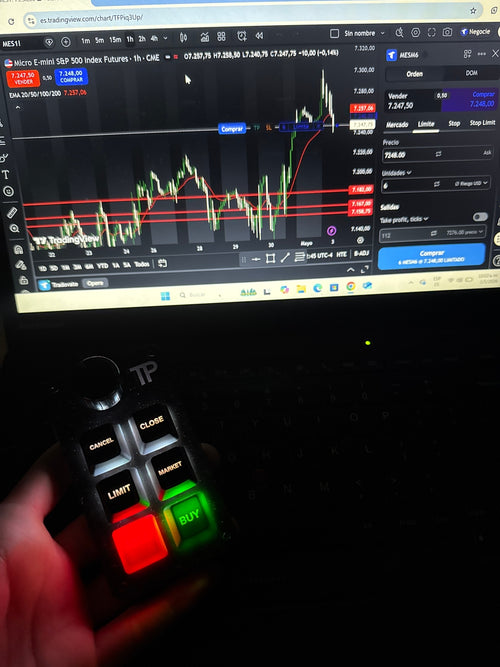
"It has made trading much easier for me, as I can now enter my trades on time and close them with the same precision. It has definitely improved my execution and overall confidence while trading"
— Marques G.
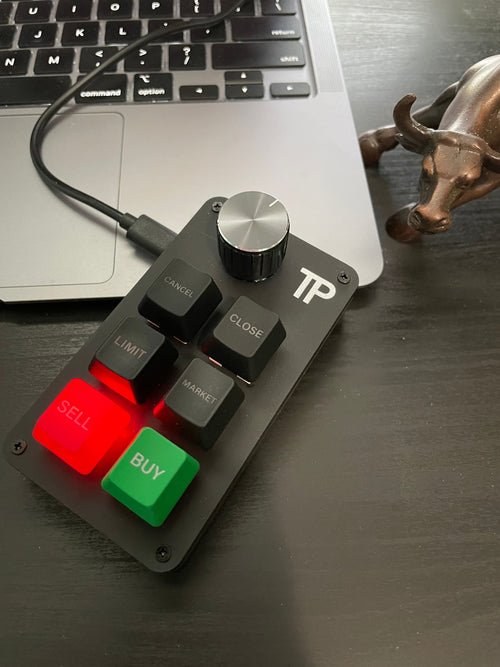
"I have to say, very excellent product for trading. I have used it for a couple of weeks with TradingView. Fast entries and exits. Exceptional product."
— Dustin D.
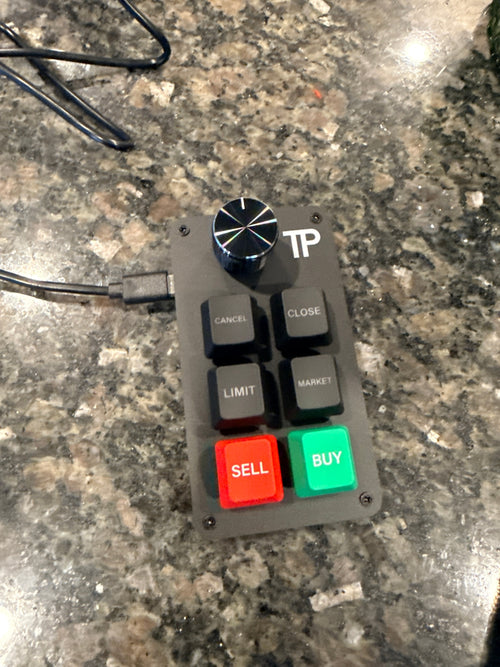
"This device add precise open and closing of trades without any delay."
— Gairy G.
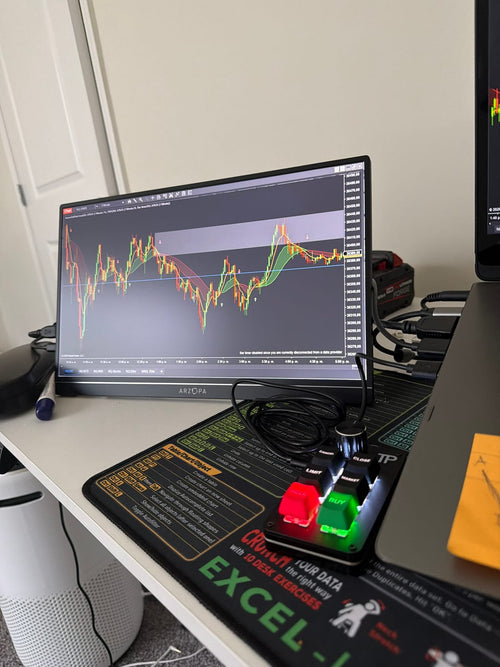
"Excelente"
— Rafael A.
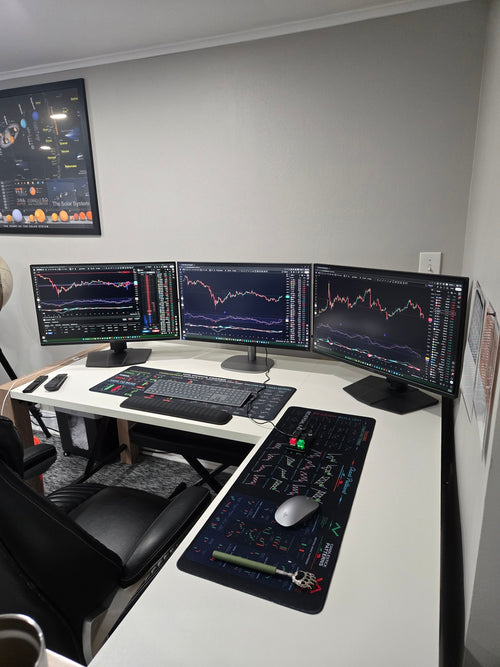
"This thing is proving to be essential. When you need instant execution on your trade this is what i would recommend."
— Ryan C.
What’s included
What’s included
Trading Keyboard
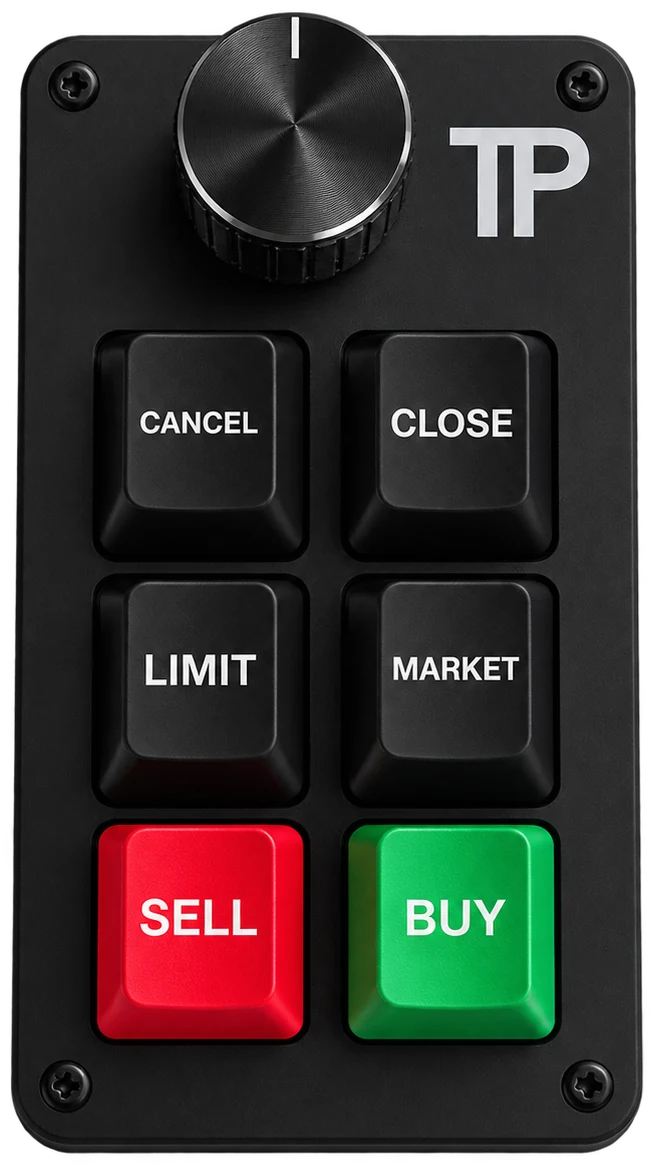
Custom keyboard with 6 dedicated keys and a rotary knob for chart zoom.
USB Cable
High-quality USB-A to USB-C cable.
★ Setup Page
Pick your platform for a one-click preset with step-by-step instructions, then fine-tune any key and the lighting in the configurator.
★ Lifetime App Updates
Free updates to all our apps, including the MT5 Control Panel for one-click trading in MetaTrader 5.
★ Private Telegram Group
Access to our Telegram group for support and product updates.
Shipping information
Shipping information
United States
All U.S. orders are shipped directly from our warehouse in Texas, USA.
Standard Shipping: 3–5 business days (free)
Priority Shipping: 1–3 business days ($4.99)
International Orders
Standard Shipping: 12–15 business days (free)
Priority Shipping: 8–12 business days
Delivery times are estimates and may vary depending on location.
We ship to 37 countries. See our shipping policy.

What To Expect From Unboxing To Your First Trade
From setup to trading in four simple steps.
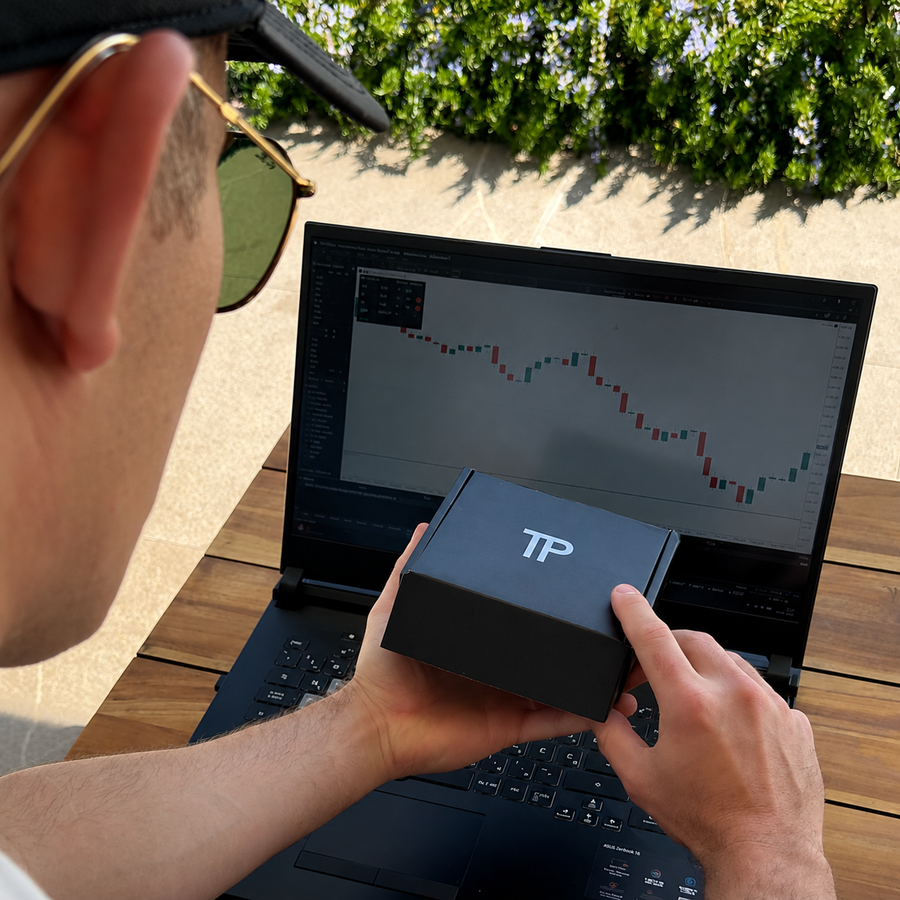
STEP 1: Unbox
Your setup guide and all required files are sent by email.
Once your keyboard arrives, plug it in and follow the guide.
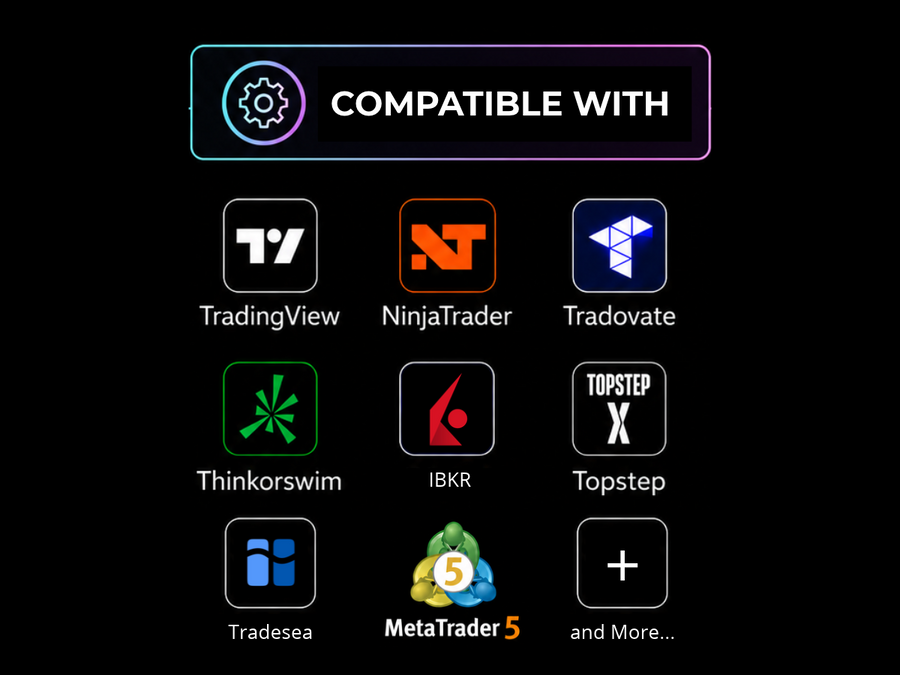
STEP 2: Choose Your Platform
Trading on MT5? Install the Control Panel and connect your keyboard. ✅
Using another platform? Set your keyboard keys to match the hotkeys you already use on your platform. →
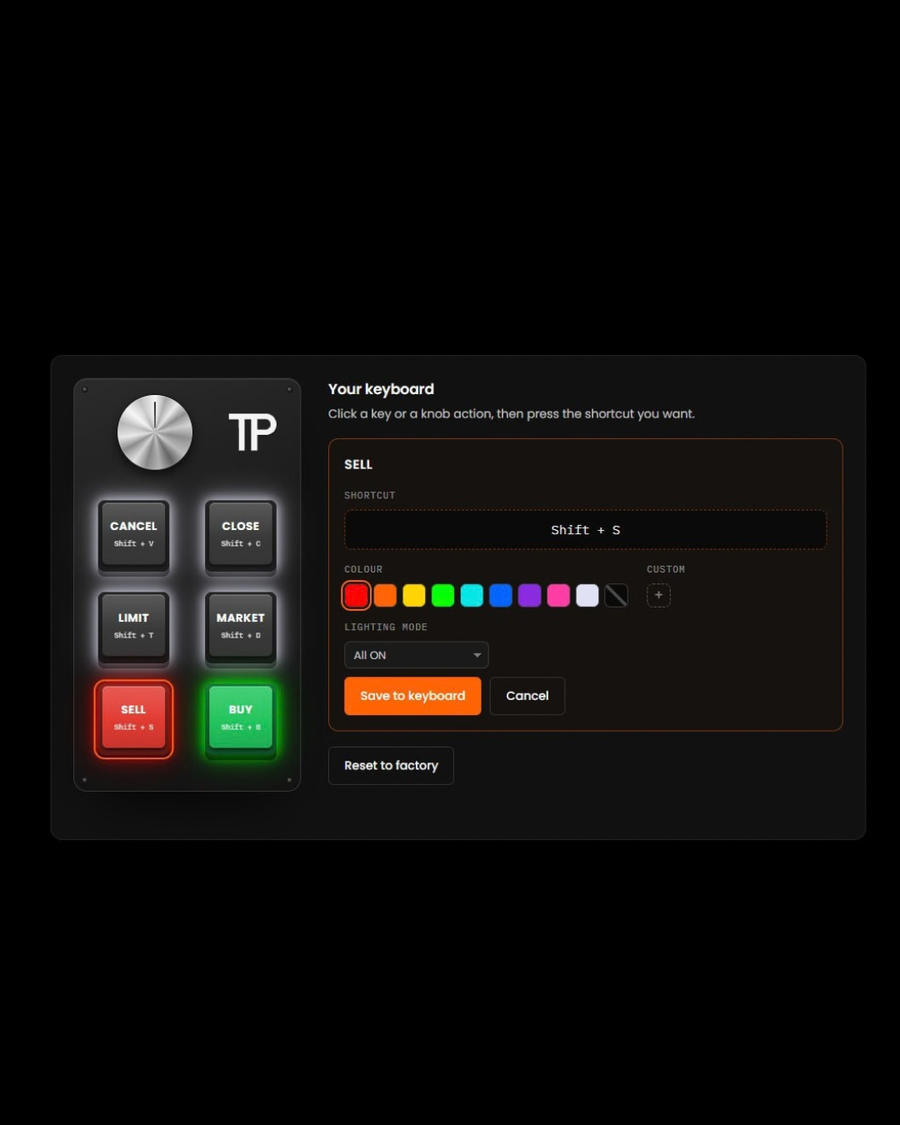
STEP 3: Customize Your Keys
Hotkeys are keyboard shortcuts for your trading actions.
Customize your keys to quickly access actions like Buy, Sell, Close and Cancel.
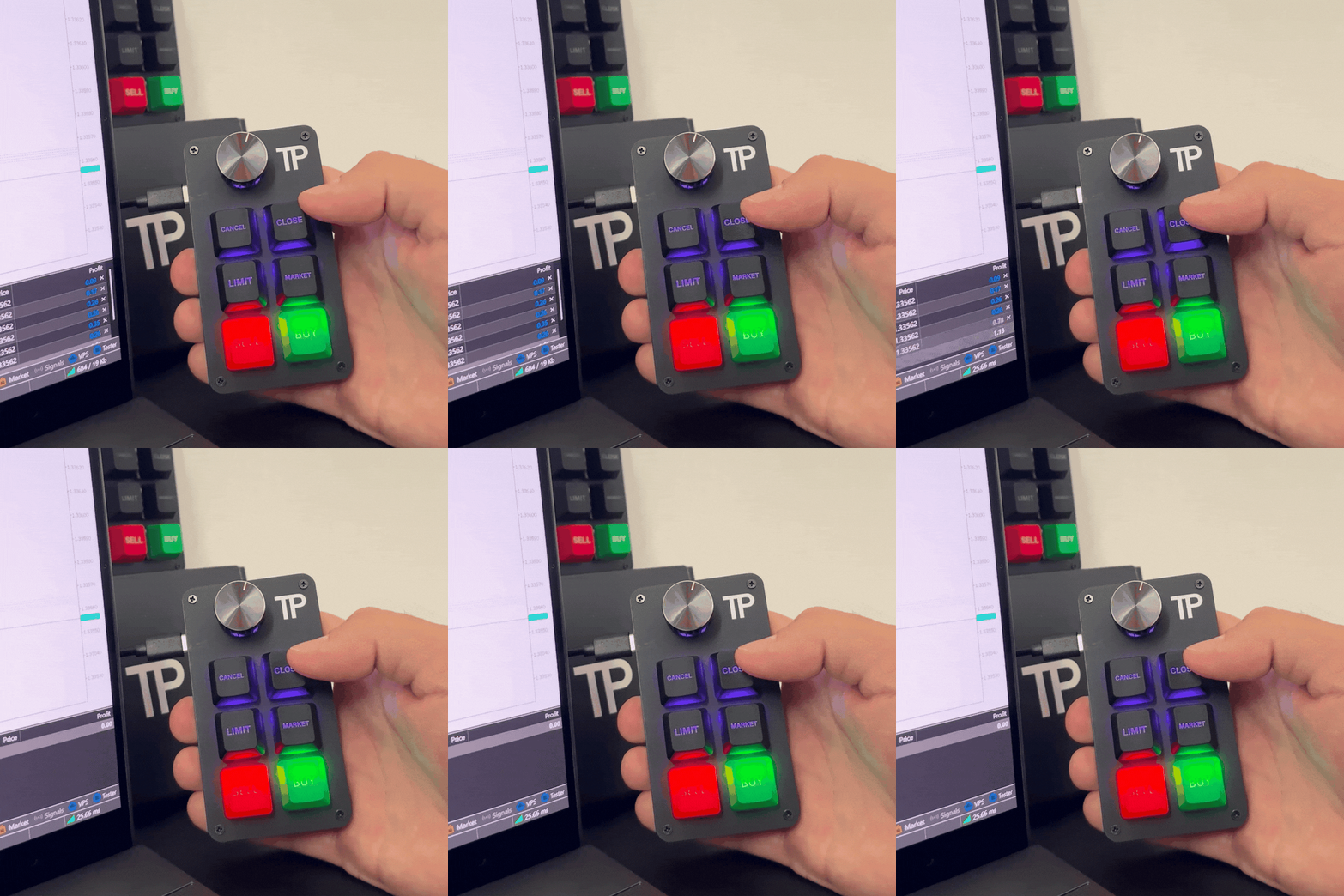
STEP 4: Start Trading
Your most used trading actions are now right at your fingertips, so you can spend less time searching for buttons and more time focused on your charts.

Press BUY to open a trade.
Try it yourself.
Tap the keys and see how each action takes a single press. Turn the knob to change the size.
Compatibility
Platforms it works with
Works on Windows and macOS, with any PC or laptop. The keys trigger your platform’s own hotkeys, and not every platform has them, so check yours below.
4.7/5, trusted by 4k+ traders
Why Traders Choose Us.
- Built by traders
- Always improving
- Expert support
- Community driven