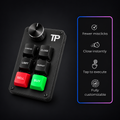


Works great no more hovering over your keyboard, Money well spent!
Trading Precision
Make Trade Execution Easier.
Trading Keyboard for easier access to the actions you use most.
Get your keyboardSee how it works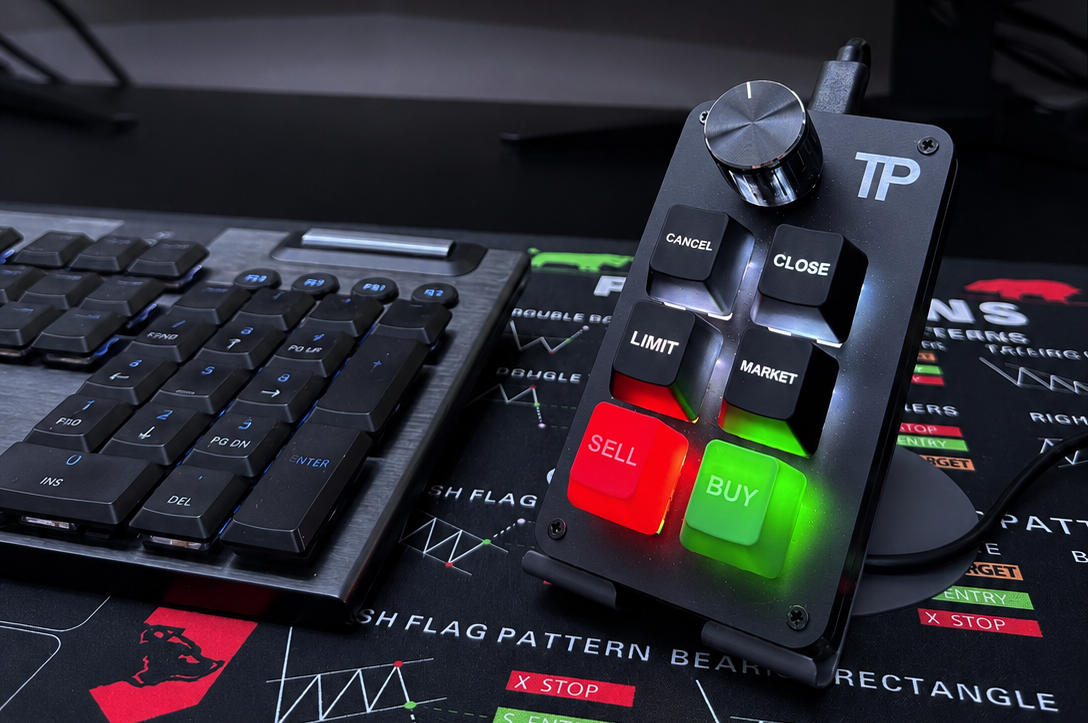
- Windows & macOS
- MT5, TradingView, NinjaTrader & more
- No software to install
- Free MT5 Control Panel
- 45-day returns
- Free worldwide shipping
- Windows & macOS
- MT5, TradingView, NinjaTrader & more
- No software to install
- Free MT5 Control Panel
- 45-day returns
- Free worldwide shipping
★★★★★
“Makes getting in and out of trades quick!”
“Fast entries and exits. Exceptional product.”
“Precise open and closing of trades without any delay.”
Trading Keyboard vs.
Mouse
Keyboard hotkeys

Trading Keyboard
To place a trade
4 steps
find, aim, click, confirm
2–3 keys
pressed together
1 press
one key, one action
Your eyes are on
The cursor
chasing it across the screen
The keys
checking you hit the right ones
The chart
your hand finds the keys by feel
You have to remember
Every button
and where it sits
Every combo
for every action
Nothing
Buy, Sell, Close, Cancel on lit keys
US500
0.00
Demo balance $100.00

Press BUY to open a trade.
Try it yourself.
Tap the keys and see how each action takes a single press. Turn the knob to change the size.
Compatibility
Platforms it works with
Works on Windows and macOS, with any PC or laptop. The keys trigger your platform’s own hotkeys, and not every platform has them, so check yours below.
★★★★★★★★★★4.7/5, trusted by 4k+ traders · 45-day returns · Free worldwide shipping45-day returns · Free shipping
Get your keyboard
Trading Keyboard
Trading Keyboard
- Execute Buy & Sell instantly
- Designed to simplify execution
- Built by traders, for traders
Couldn't load pickup availability
Full Refund. If you don’t experience smoother, easier trade execution, we’ll give you every penny back.
Traders Love It
★★★★★
"Amazing product i shared it with my trading community and they really appreciate it. It opens and closes trades with precision and locks in great profit right away."
— Kwame S.
★★★★★
"Excellent keyboard, I highly recommend it for more precise executions."
— Frank L.
★★★★★
"Makes getting in and out of trades quick!"
— Alex M.
★★★★★
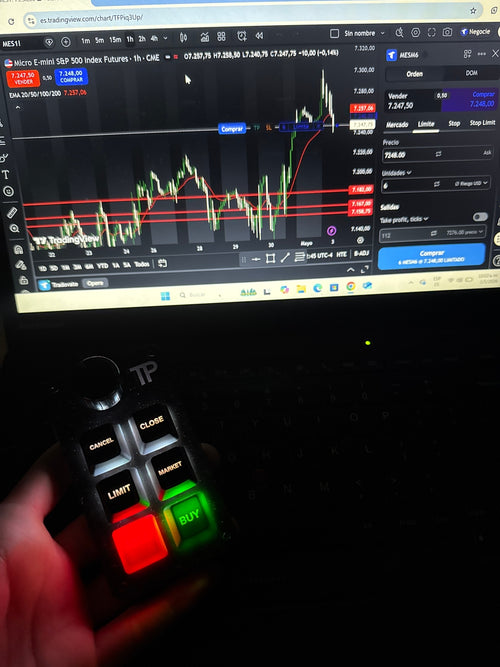
"It has made trading much easier for me, as I can now enter my trades on time and close them with the same precision. It has definitely improved my execution and overall confidence while trading"
— Marques G.
★★★★★
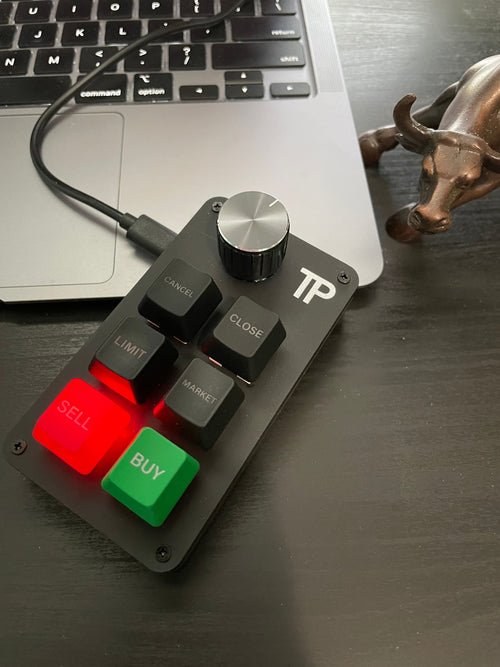
"I have to say, very excellent product for trading. I have used it for a couple of weeks with TradingView. Fast entries and exits. Exceptional product."
— Dustin D.
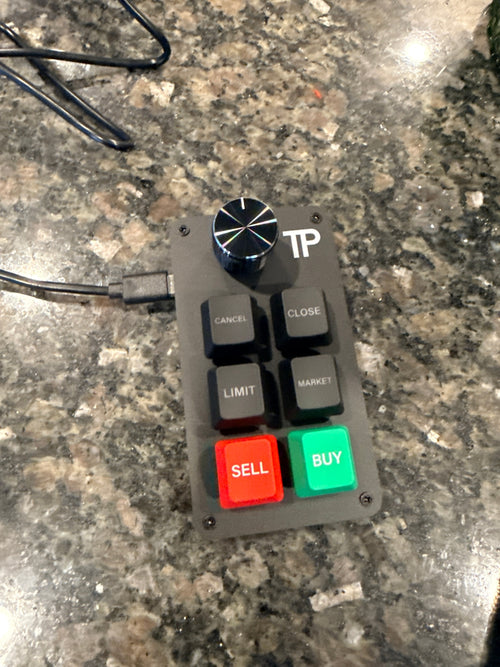
★★★★★
"This device add precise open and closing of trades without any delay."
— Gairy G.
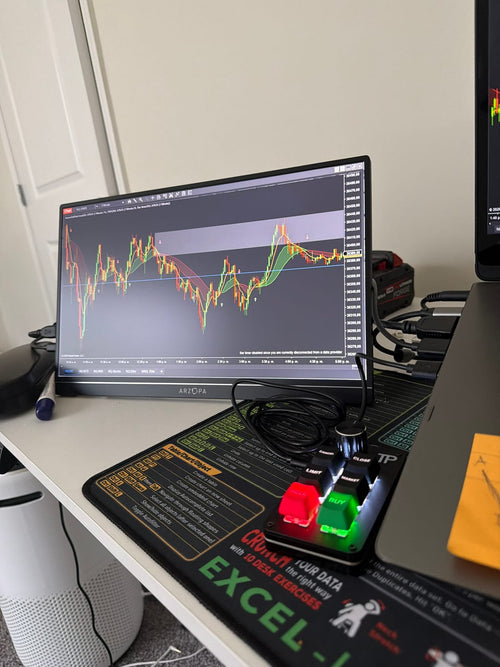
★★★★★
"Excelente"
— Rafael A.
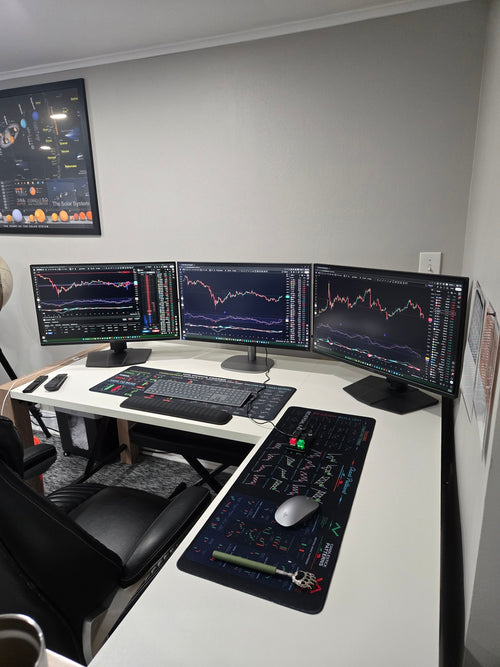
★★★★★
"This thing is proving to be essential. When you need instant execution on your trade this is what i would recommend."
— Ryan C.
What’s included
What’s included
Trading Keyboard
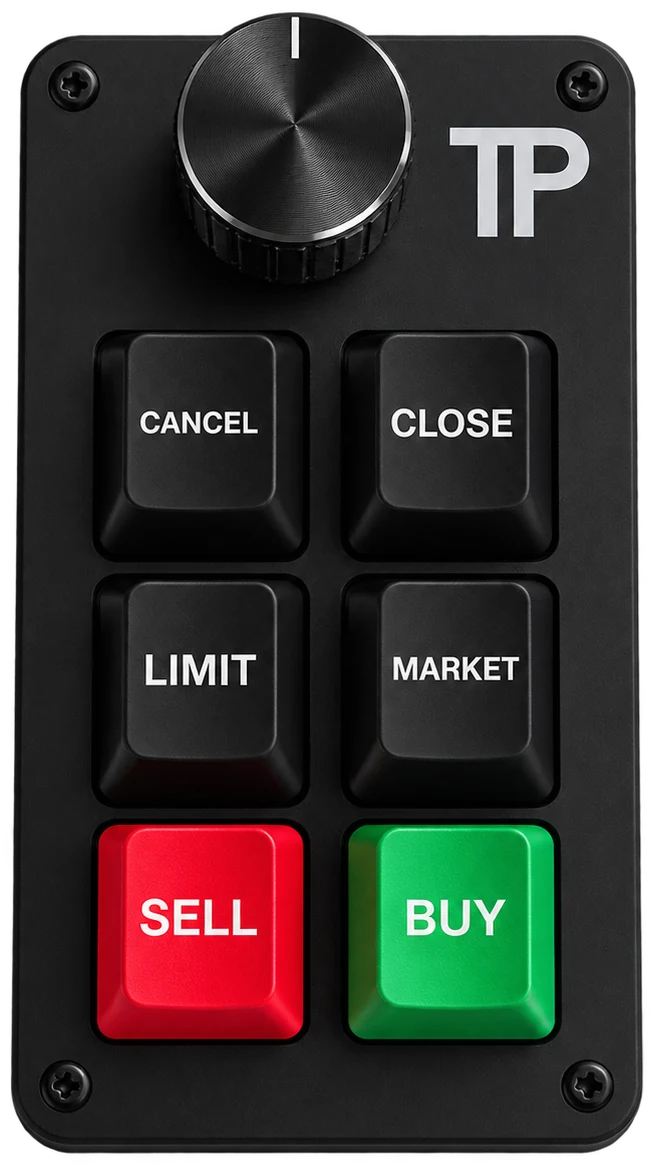
Custom keyboard with 6 dedicated keys and a rotary knob for chart zoom.
USB Cable
High-quality USB-A to USB-C cable.
★ Setup Page
Pick your platform for a one-click preset with step-by-step instructions, then fine-tune any key and the lighting in the configurator.
★ Lifetime App Updates
Free updates to all our apps, including the MT5 Control Panel for one-click trading in MetaTrader 5.
★ Private Telegram Group
Access to our Telegram group for support and product updates.
Shipping information
Shipping information
United States
All U.S. orders are shipped directly from our warehouse in Texas, USA.
Standard Shipping: 3–5 business days (free)
Priority Shipping: 1–3 business days ($4.99)
International Orders
Standard Shipping: 12–15 business days (free)
Priority Shipping: 8–12 business days
Delivery times are estimates and may vary depending on location.
We ship to 37 countries. See our shipping policy.


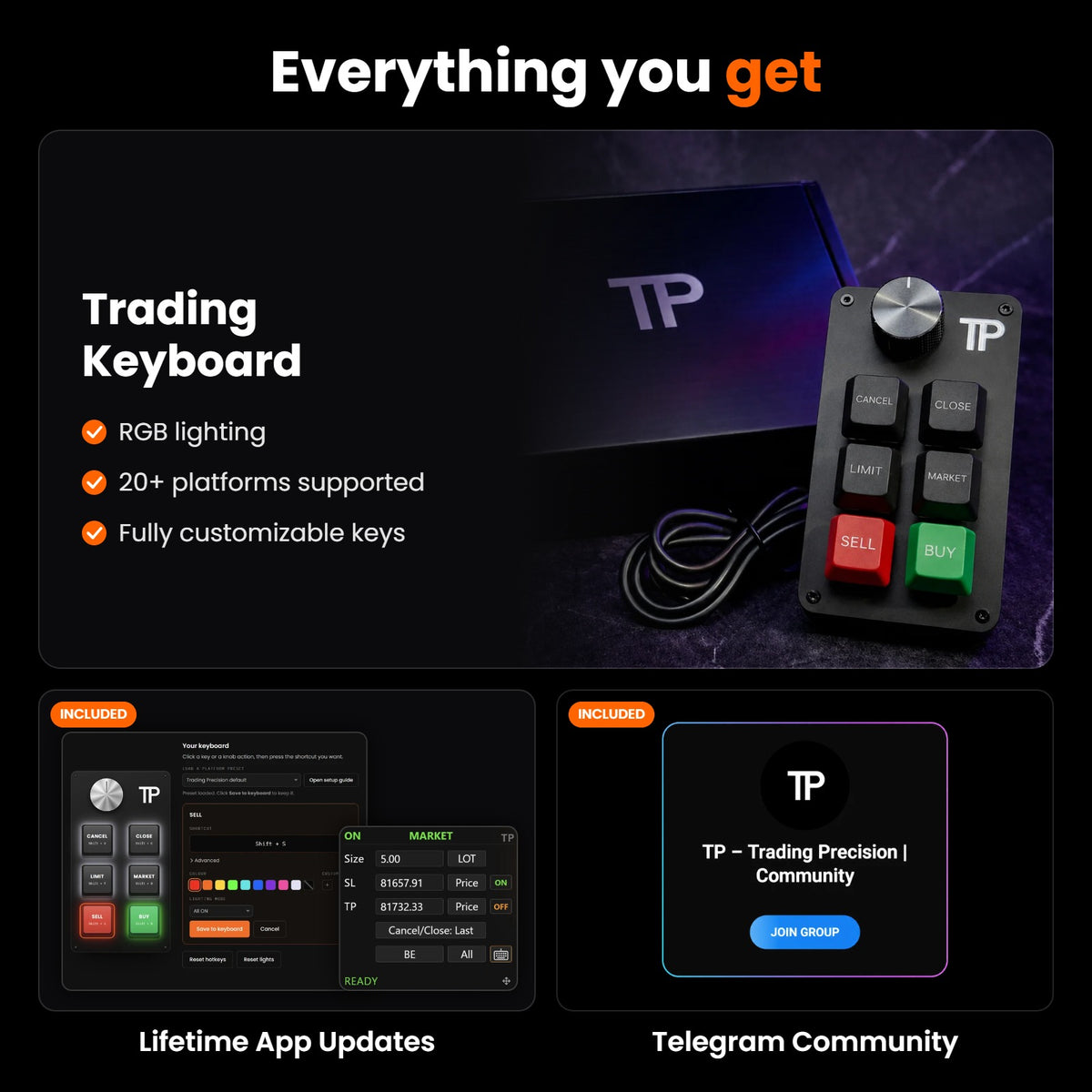
The market moves and your hand is already there.
What To Expect From Unboxing To Your First Trade
From setup to trading in four simple steps.
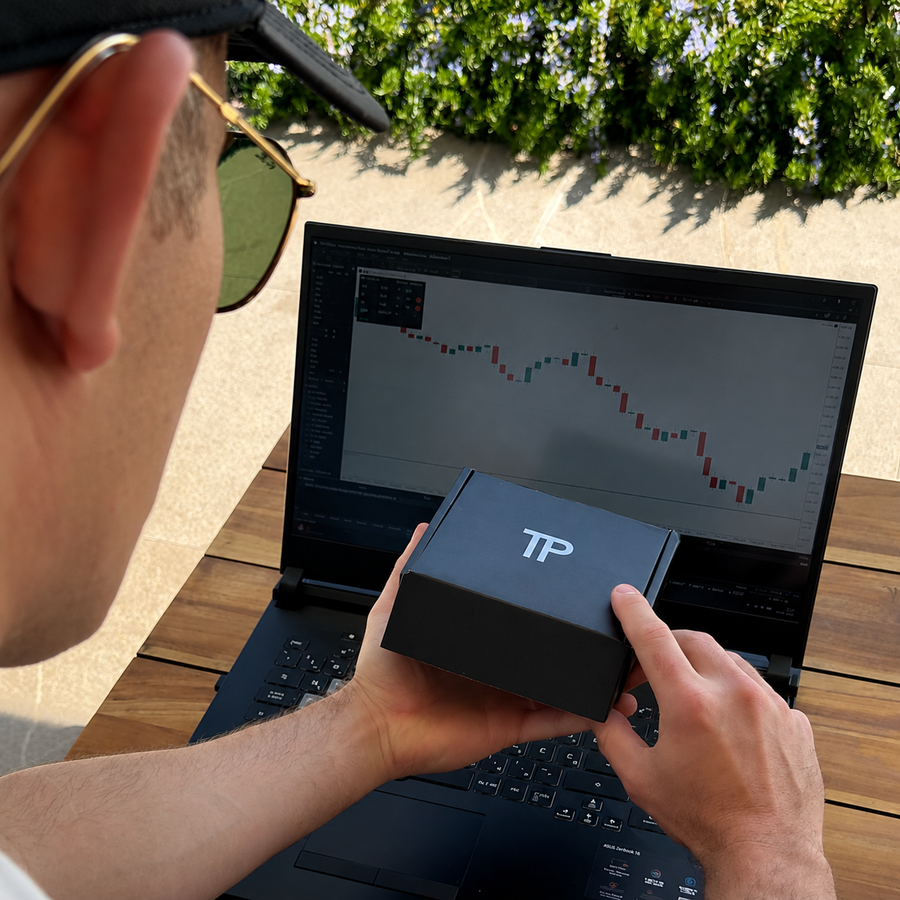
STEP 1: Plug It In
Plug in your keyboard and open the setup page from your shipping email. No software to install.
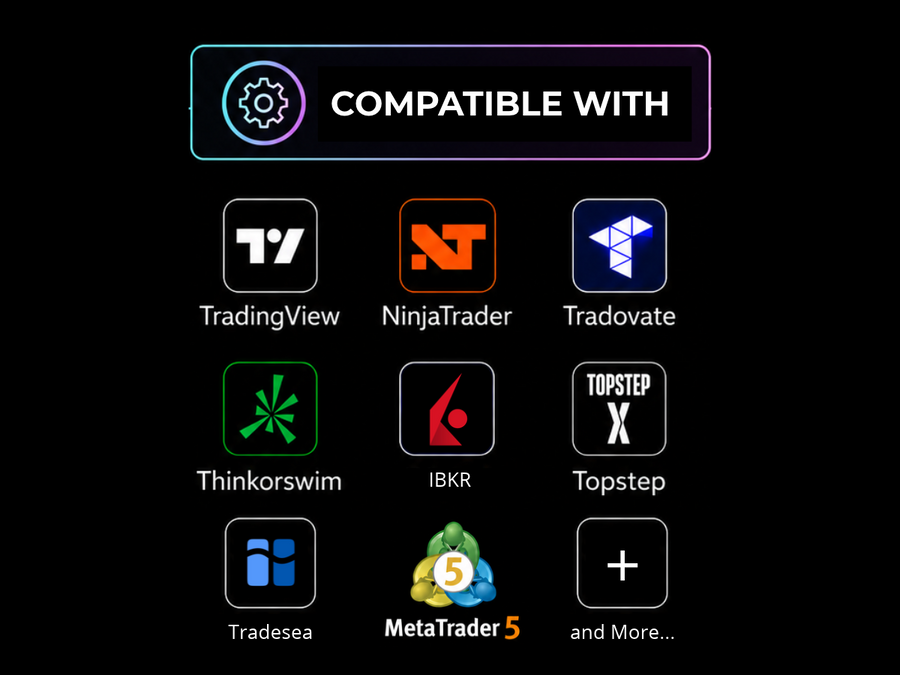
STEP 2: Choose Your Platform
Set up your keyboard with a one-click preset for supported platforms.

STEP 3: Customize Your Keys
Follow the quick guide for your platform, then change any key or colour if you like.
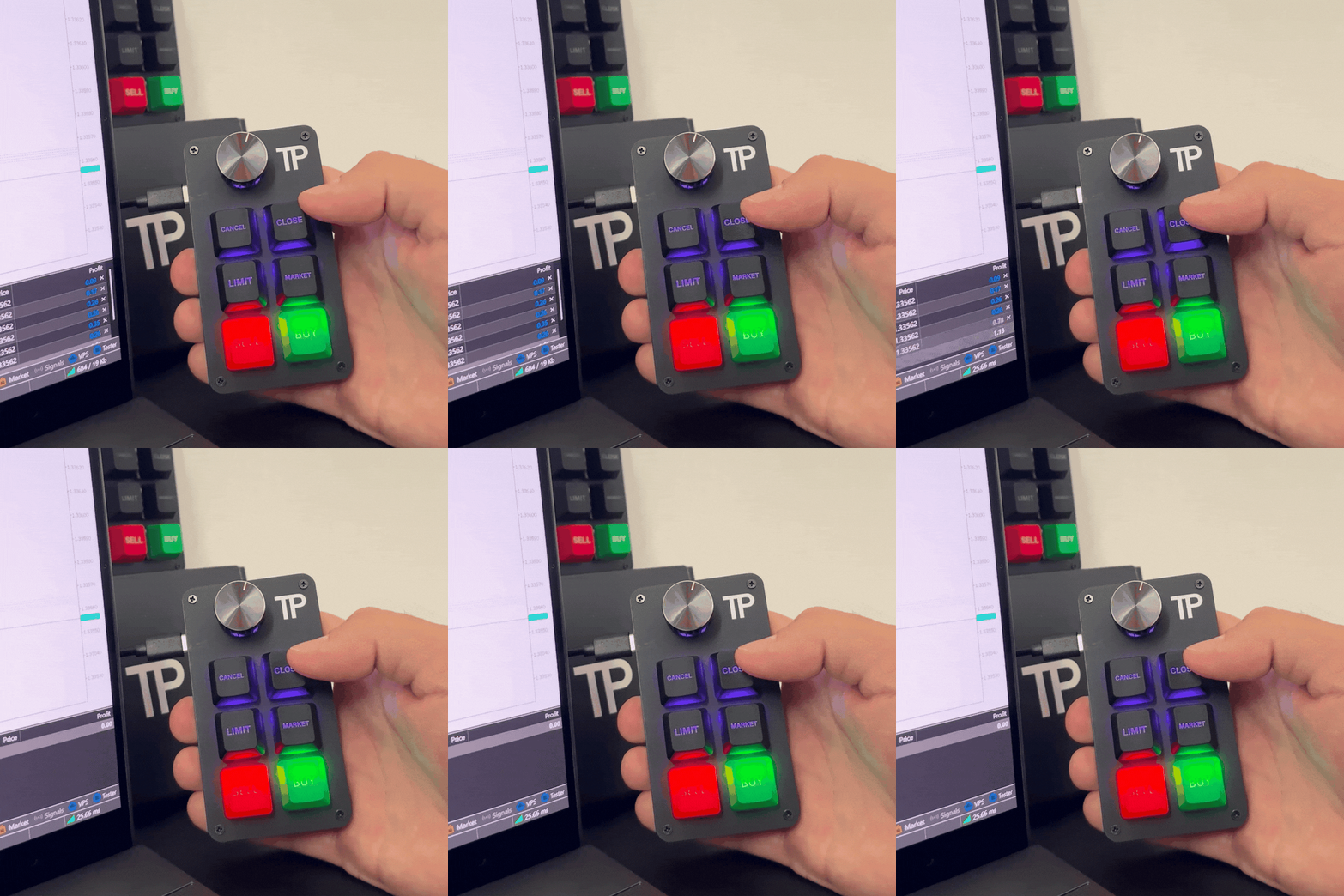
STEP 4: Start Trading
Your most used actions are now right at your fingertips, so you can stay focused on your charts.
What You'll Get
Everything below is included with every keyboard purchase.

1
MT5 Control Panel
Manage risk, stop loss, take profit and execute trades faster with our custom-built MetaTrader 5 control panel.

2
Setup Page & Configurator
Pick your platform for a one-click preset, then customize every key’s shortcut, colour and lighting. All in your browser, no software to install.

3
Private Telegram Community
Lifetime access to product updates, setup guides, new features and direct support from our team.
4.7/5, trusted by 4k+ traders
Why Traders Choose Us.
- Built by traders
- Always improving
- Expert support
- Community driven
Customer Reviews
Overall rating: 4.7 / 5 from 59 reviews.
Works as advertised

I use this hotkeys unit in my work truck so I can manage trades without fidgeting with a mouse or the laptop keyboard. Works great 👍
Works perfectly
Great idea, super easy to use! Definitely helps me in my trading!

Love this keyboard, makes placing trades easier.

Great product easy installation and modification.
It’s made my trading quicker on closing trades. Still haven’t configured buttons but sell and buy work great.
Thank you.
The keyboard works well. TP Trading were a pleasure to deal with.
Instant open & close trades. Love it
Nice
Awesome product thank tou
I like it
I love it
Waaaaaay better than whipping a mouse cursor around or accidentally pushing your touch screen while hovering the buy/sell buttons. Buy / Sell light up in beautiful green and red. My only complaint is the two useless top buttons but at no fault to TPT, it’s due to Trading View limitations. Well done guys!
At first I was skeptical, once I played with it I was hooked. It’s fast, you hit buy and you’re in. Hit sell, you’re out. No lag!!! It’s worth what I paid!!!
Love it!!! Makes trading so much faster.
nice
I love it ! Thanks guys !

Makes getting in and out of trades quick!
Great Product
It works perfectly with no delay. Actually you need to be careful not to double positions, but once you learn the sensitivity it works very reliably.
Works like advertised!
Super
Very convenient. Easy to use

Excelente
trader AURA+999999999999999💀💀💀💀💀💀💀💀💀
Good
Great product and support.
Just incredible. Makes trading super easy to get in and out smoothly. I definitely recommend it. I will definitely buy it again.

This thing is proving to be essential. When you need instant execution on your trade this is what i would recommend.

It has made trading much easier for me, as I can now enter my trades on time and close them with the same precision. It has definitely improved my execution and overall confidence while trading.
Easy and quick execution
GREAT BUT NEEDS A REVERSE BUTTON!

Excelente el teclado lo recomiendo para ejecuciones más precisas

I have to say, very excellent product for trading. I have used it for a couple of weeks with TradingView. Fast entries and exits. Be careful, it’ll add contracts quick! Exceptional product.
Little keyboard is solid executions are really quick on tradingview. They’re coming out with the update so you can program hot keys on tradovate.
Love it.

This device add precise open and closing of trades without any delay.